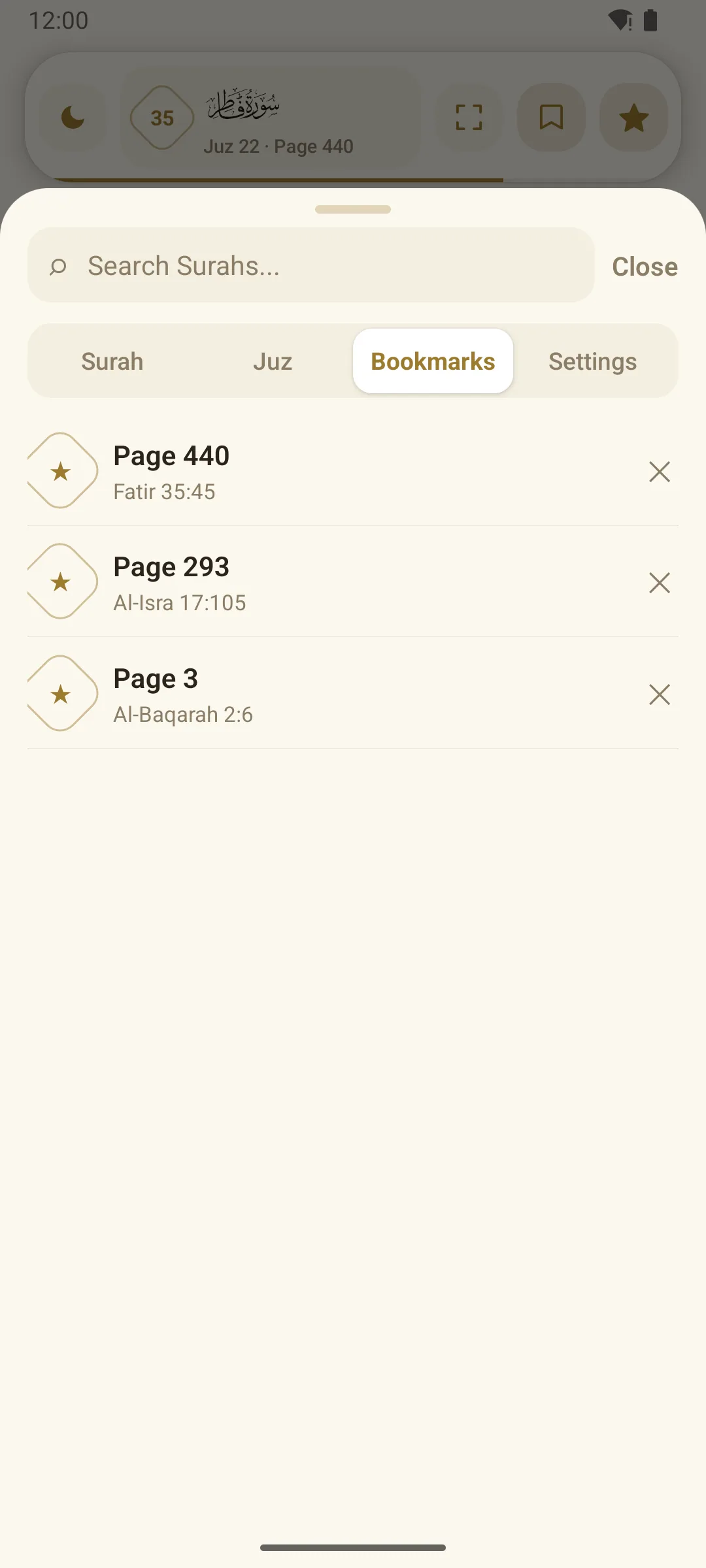
Losing your place, or losing years of bookmarks when you change phone, is a small thing that stops people coming back. A few habits make sure it never happens.
Your reading position is automatic
Quran Mushaf opens where you left off, and the Continue reading widget takes you straight back to your page.
Bookmarks that belong to the ayah
Bookmarks are tied to the ayah rather than the page number. If you switch between the Madani and Indo-Pak Mushaf, they still point to the right place.
Collections with your notes
Save ayat to Favourites, Duas, To memorise, or a collection of your own, and add a note: why the ayah matters to you, where you heard it, or what to revise.
Back up without an account
From Settings, back up your bookmarks, collections, notes and progress to a file. Save it to your drive or send it to yourself. On a new phone, install the app and restore the file. Nothing is stored on our servers.