A widget that teaches
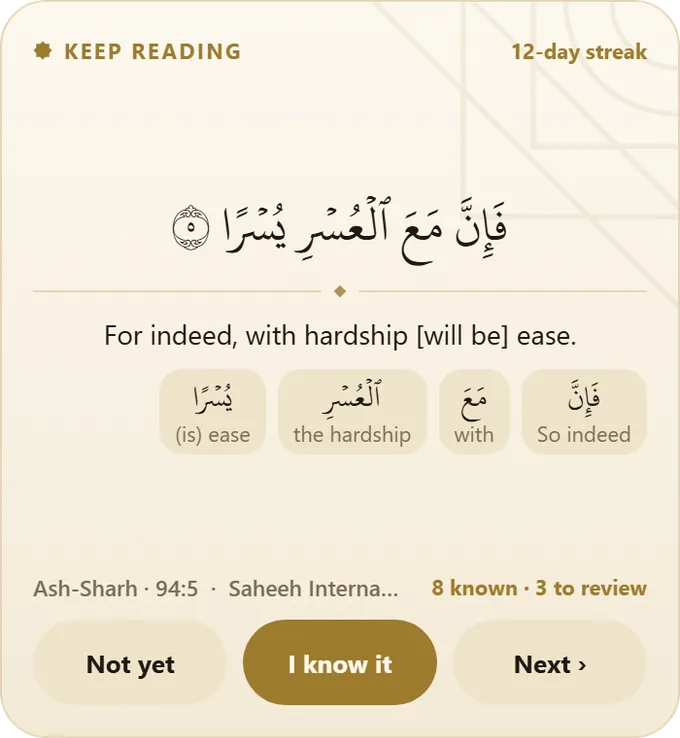
The large widget is a small daily lesson, not just a quote.
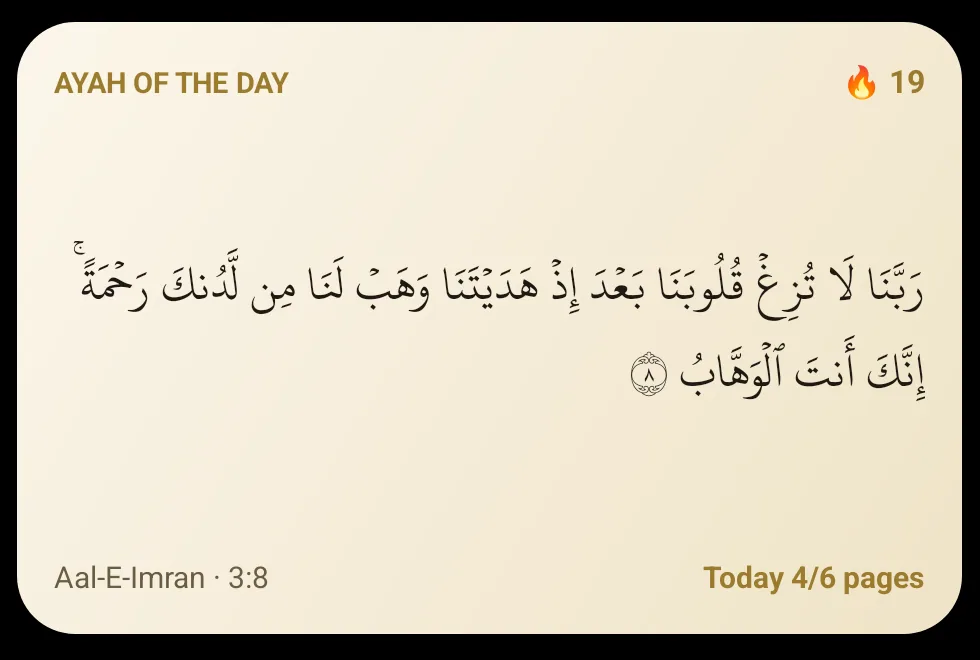
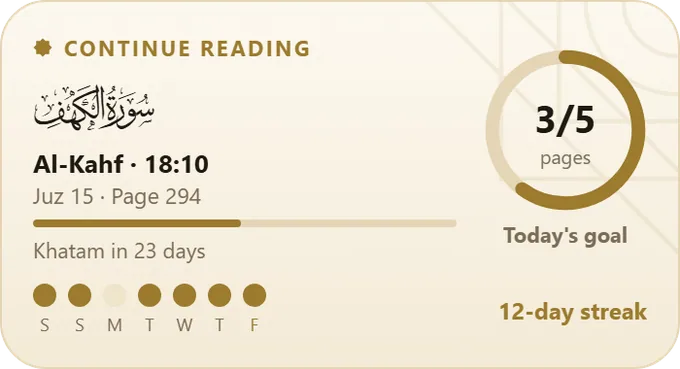
See an ayah every time you unlock your phone. Choose a small Arabic-only widget, a medium one with translation, or a large word-by-word widget where you mark the words you know. Add Continue reading to open your page in one tap.
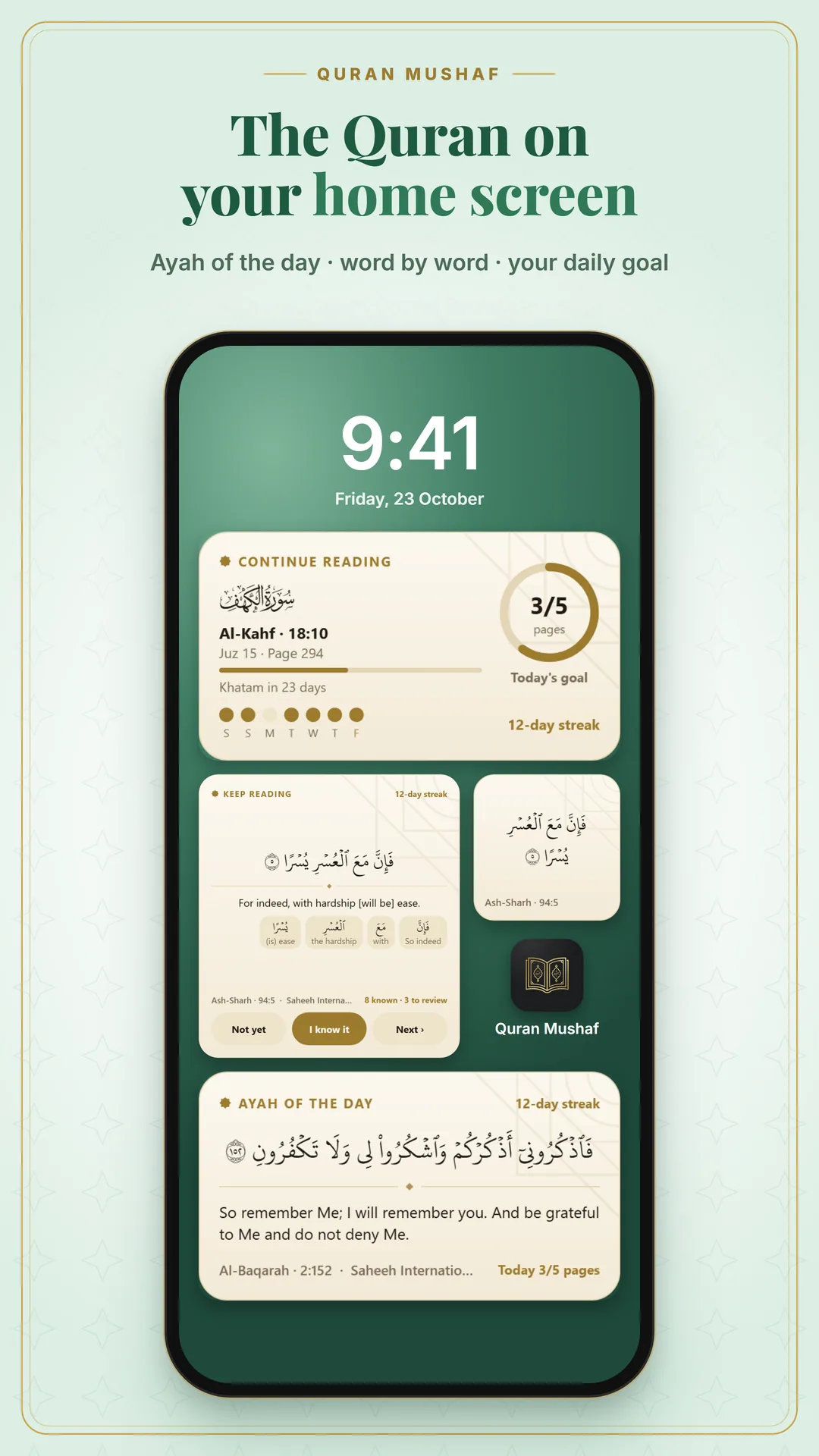
See a live preview of each widget in your theme.
Small Arabic-only, medium with translation, or large word by word.
The widget is placed on your home screen in one tap.
Small shows the Arabic alone. Medium adds the translation. Large teaches the ayah word by word: mark each word as known or not yet, and review the rest later. Text adjusts to each ayah so it is never cut off.
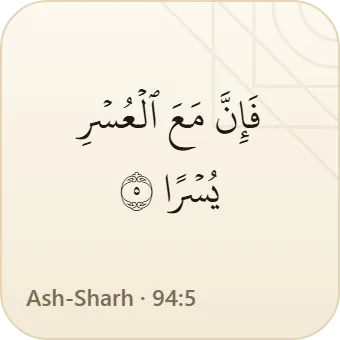
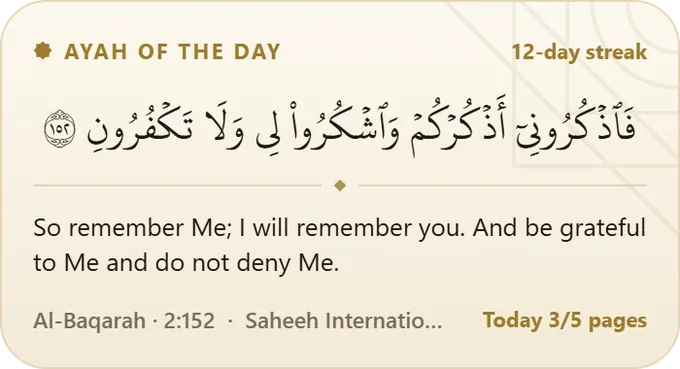
Your current surah and page, today's goal and your reading week, with one tap back to the page.
Widgets follow your app theme, including Islamic Emerald, in light or dark.
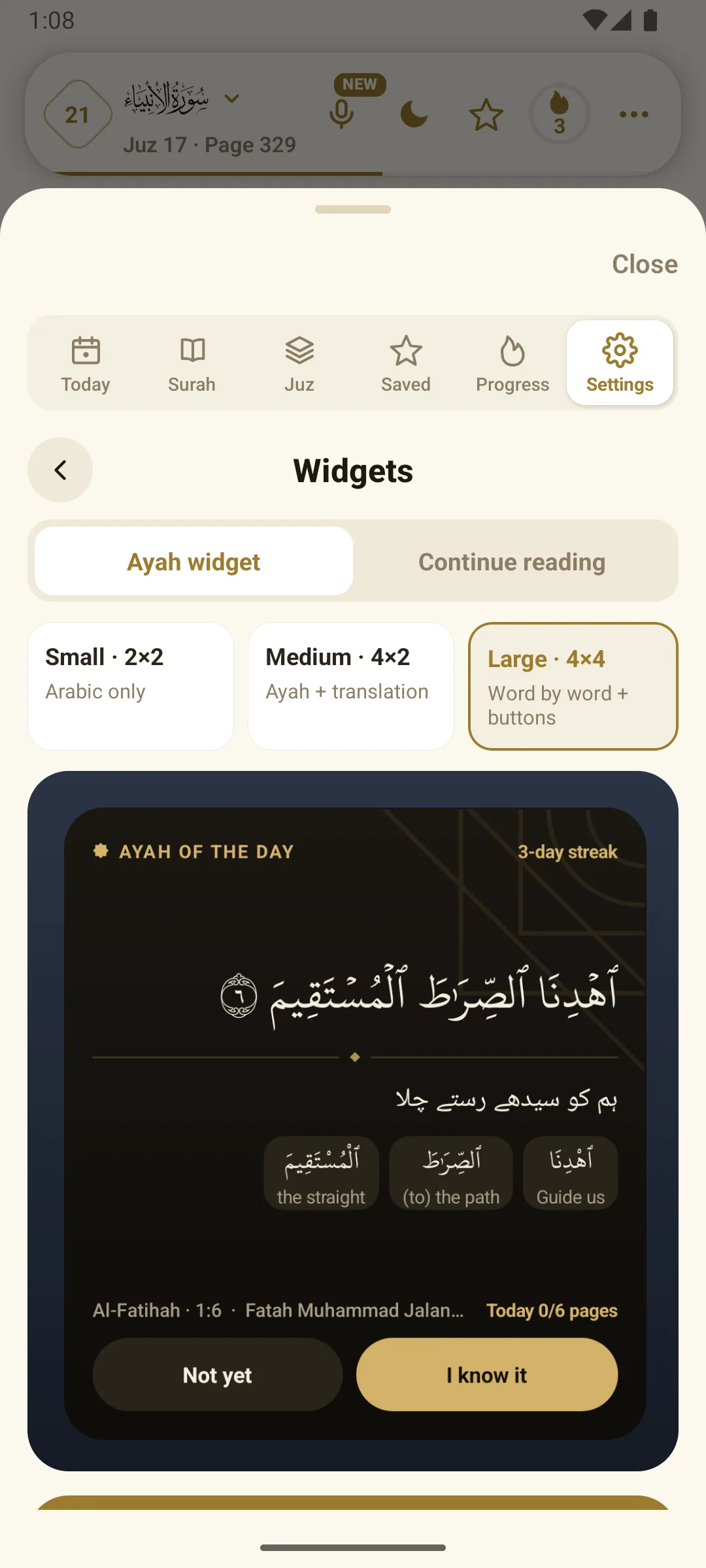
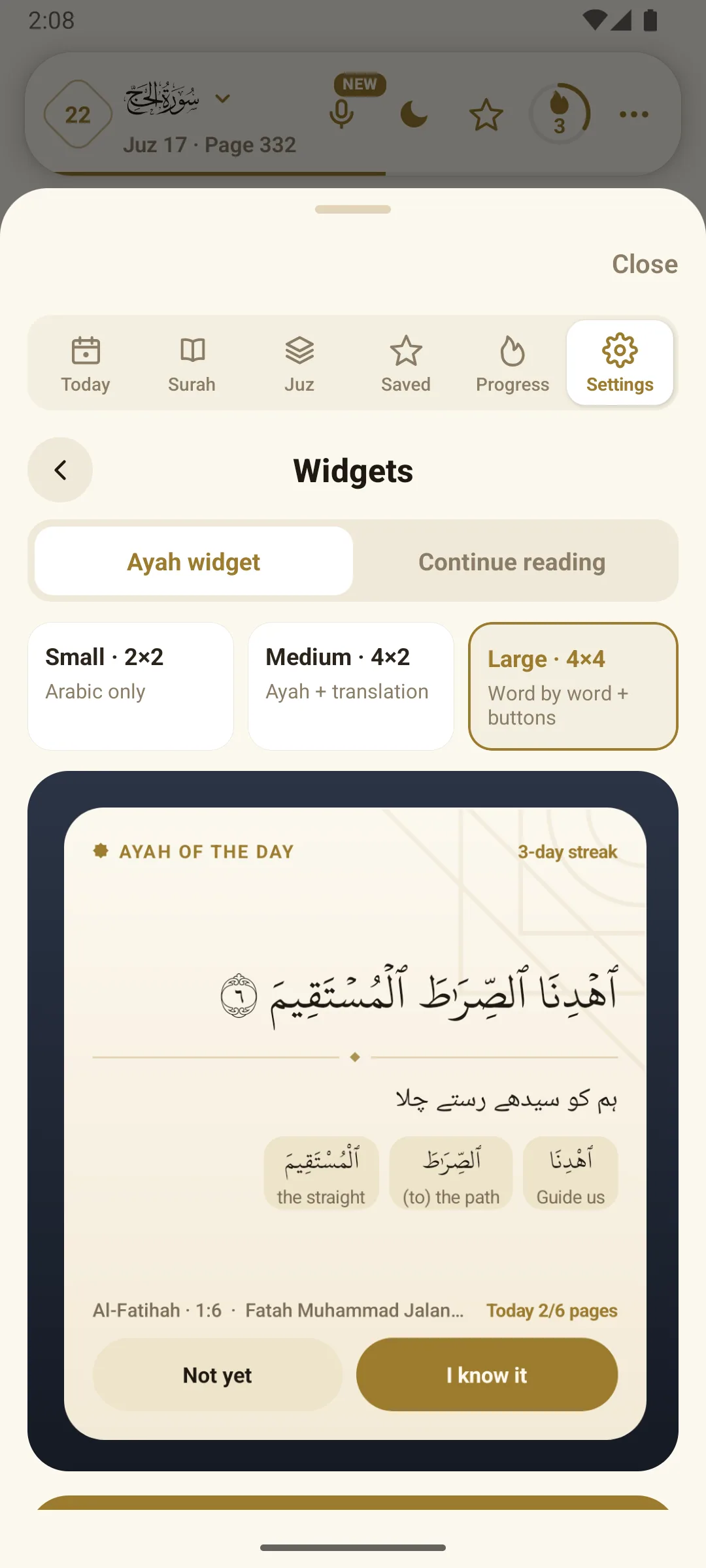
The large widget is a small daily lesson, not just a quote.
Open Quran Mushaf, go to Settings › Widgets, choose a widget and tap Add. You can also long-press your home screen, choose Widgets and find Quran Mushaf.
Yes. The ayah and your progress come from the app on your phone.
Quran Mushaf is on Android today. It is not on the App Store yet.
The Quran app that listens back. Read, listen, recite and pray with one free app.