Sharp vector pages
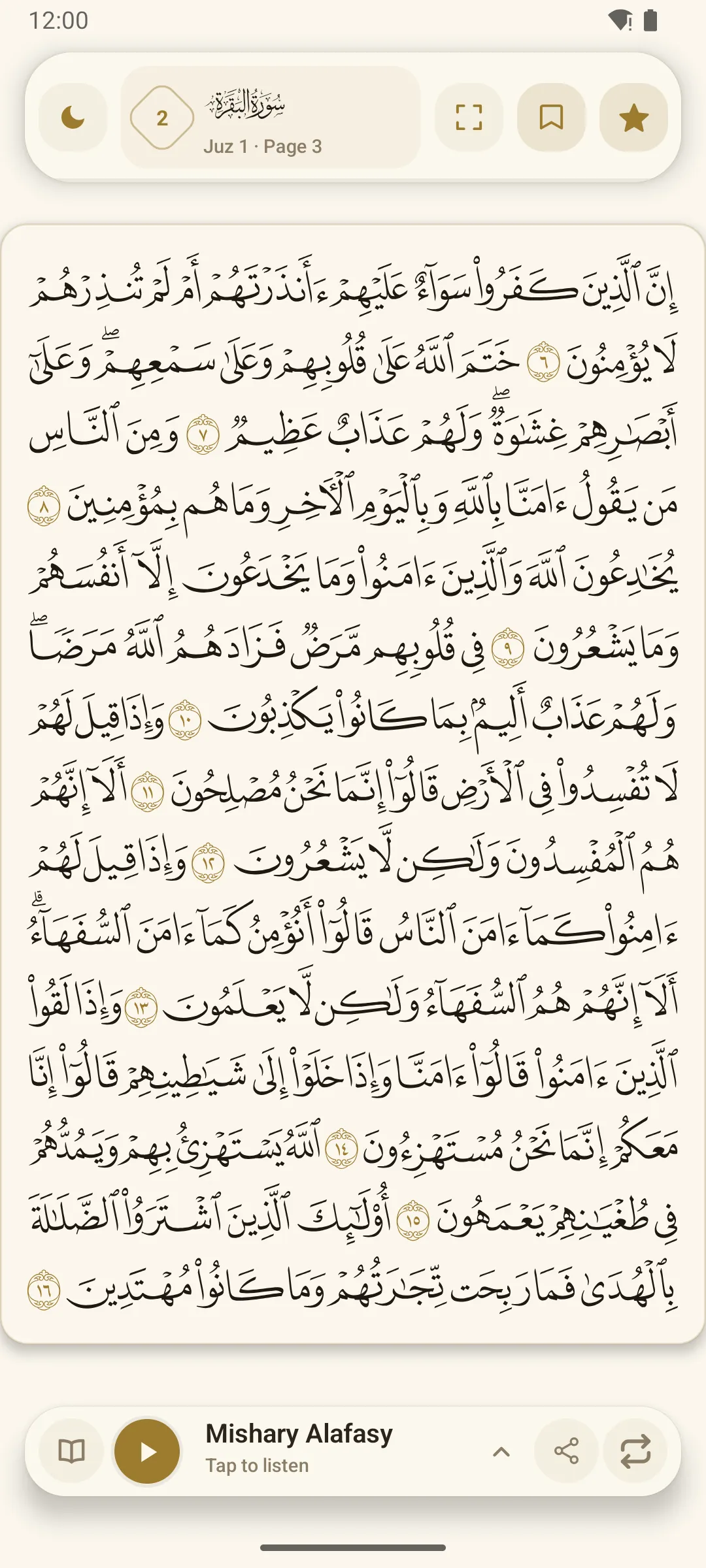
Pages are drawn, not scanned, so they never blur when you zoom or use a large screen.
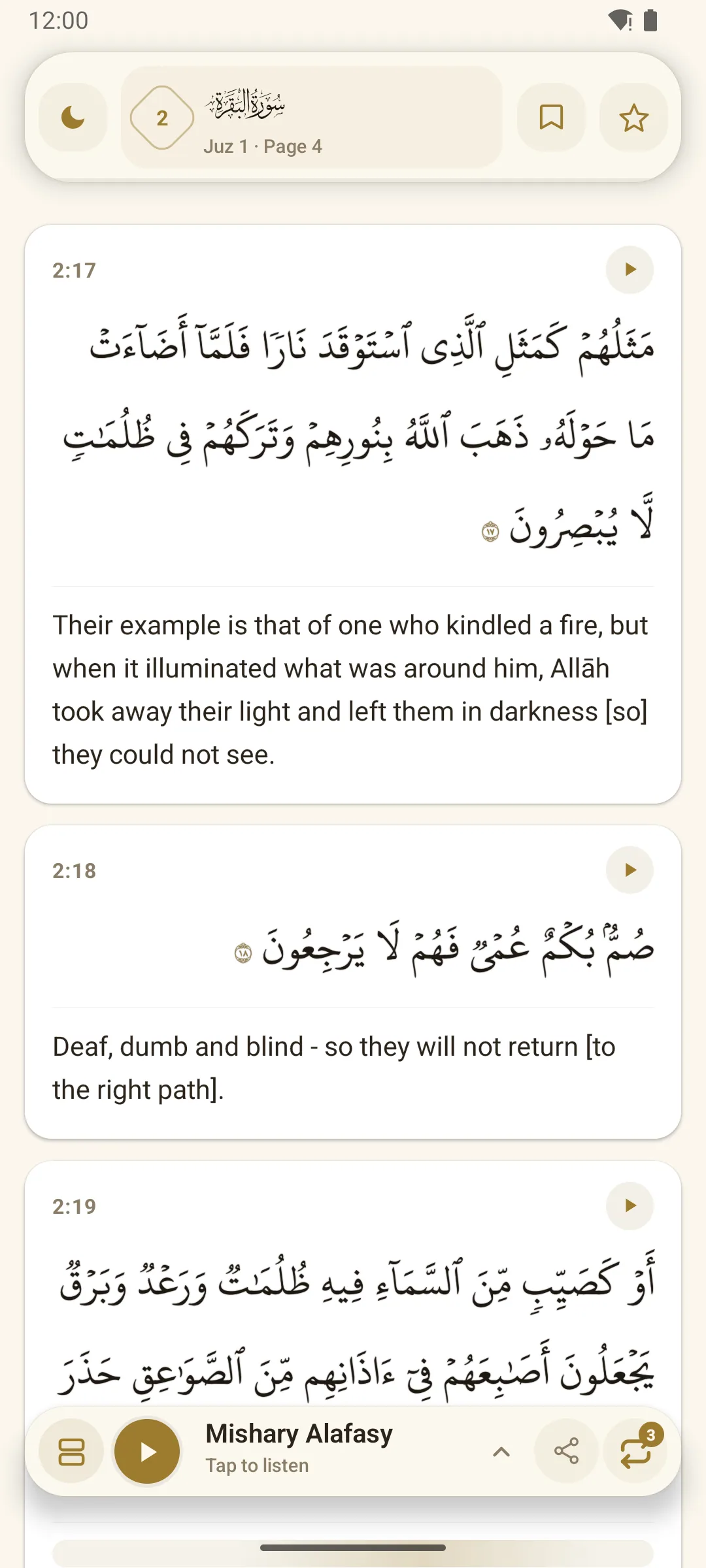
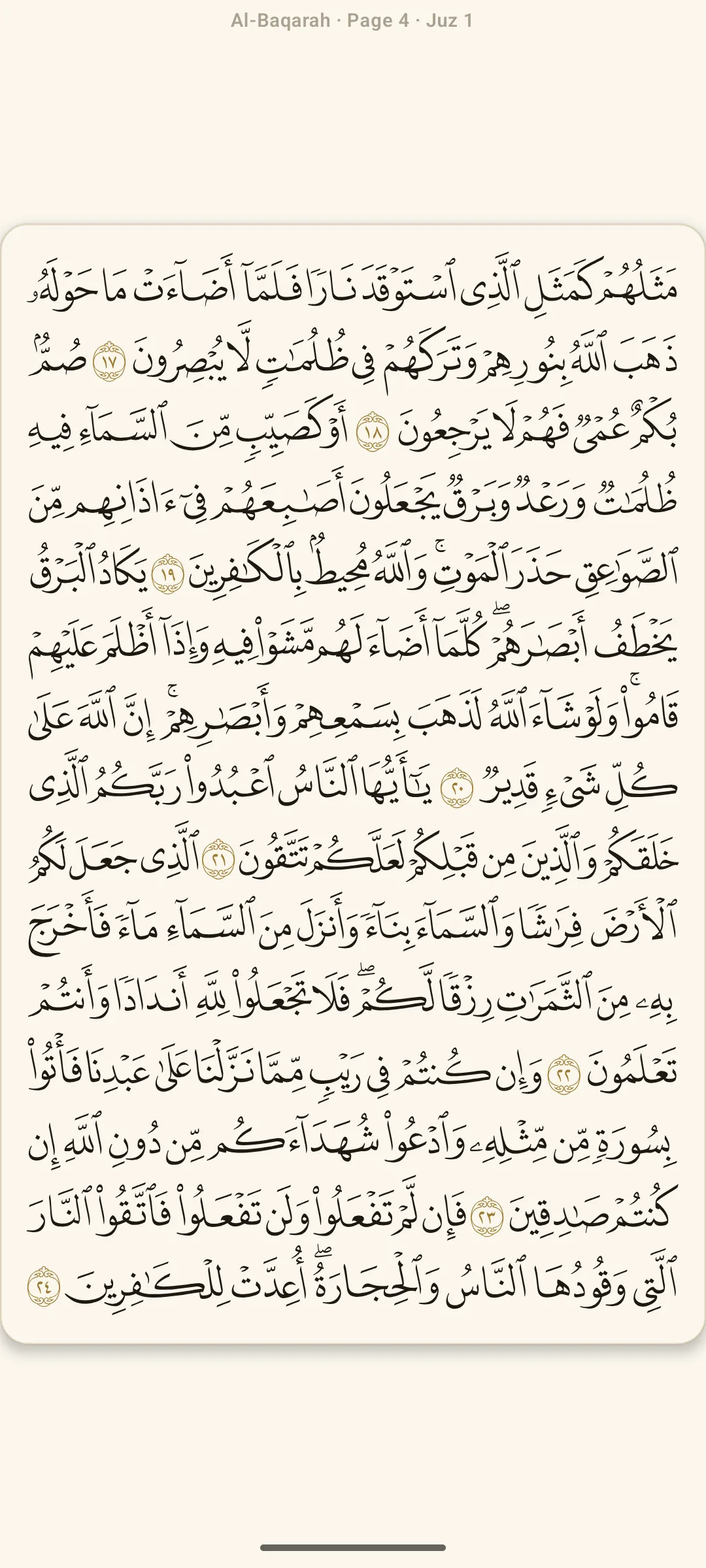
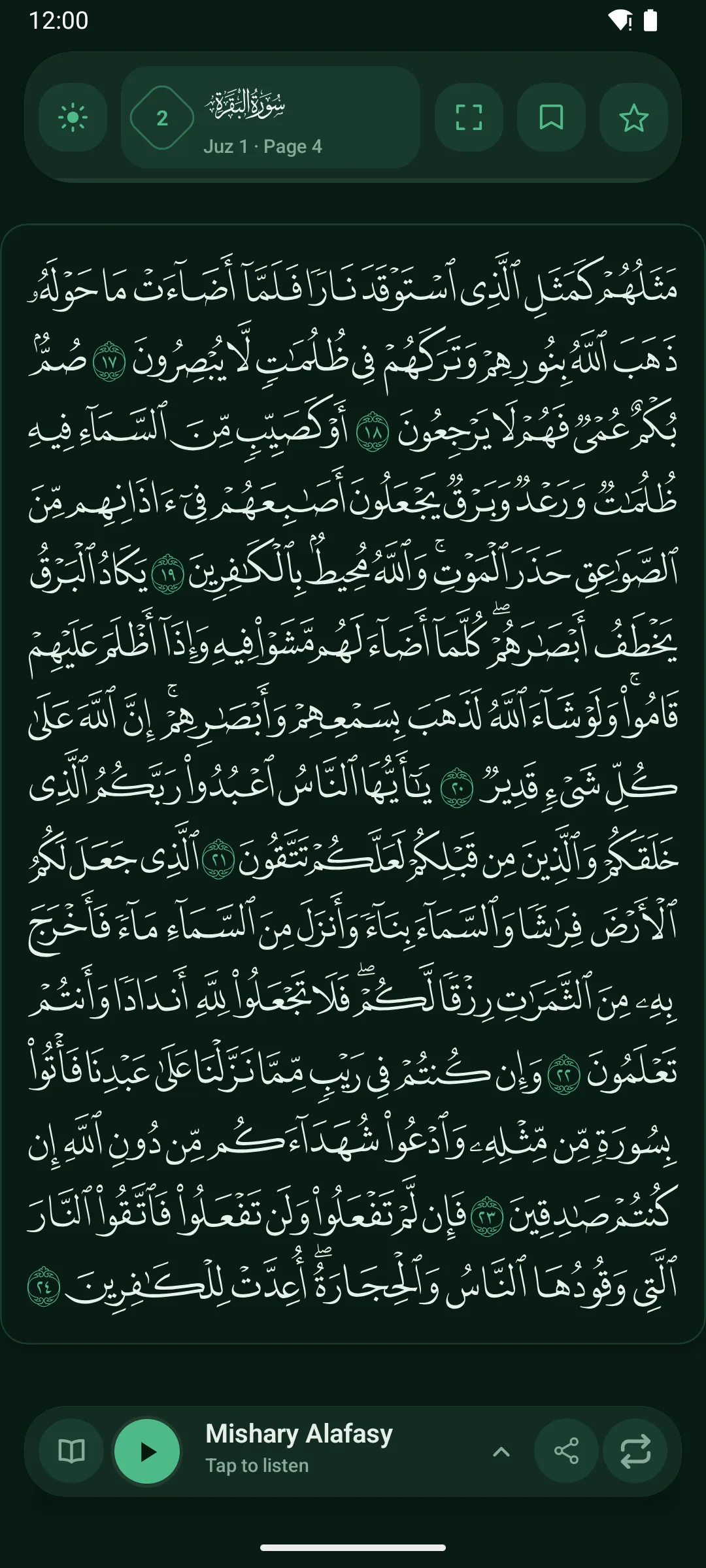
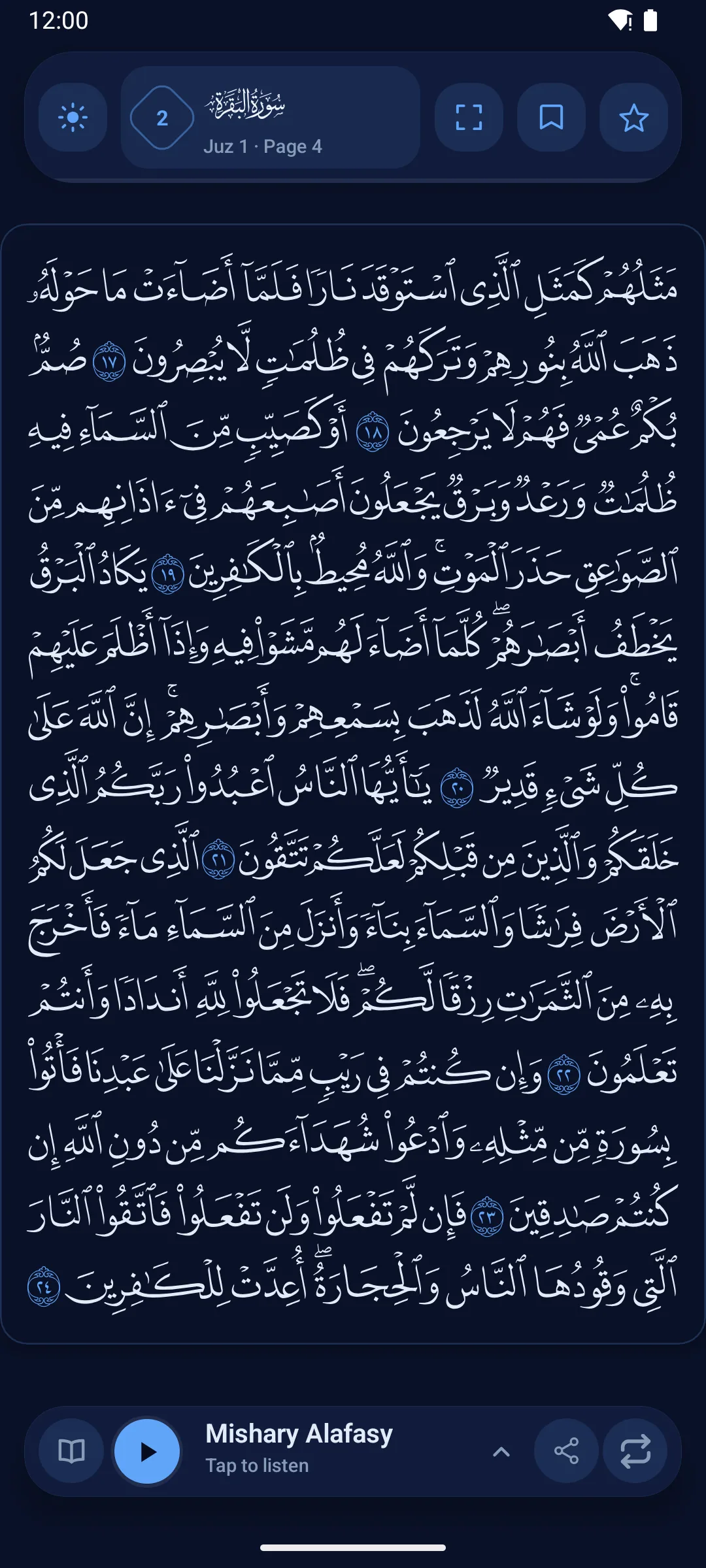
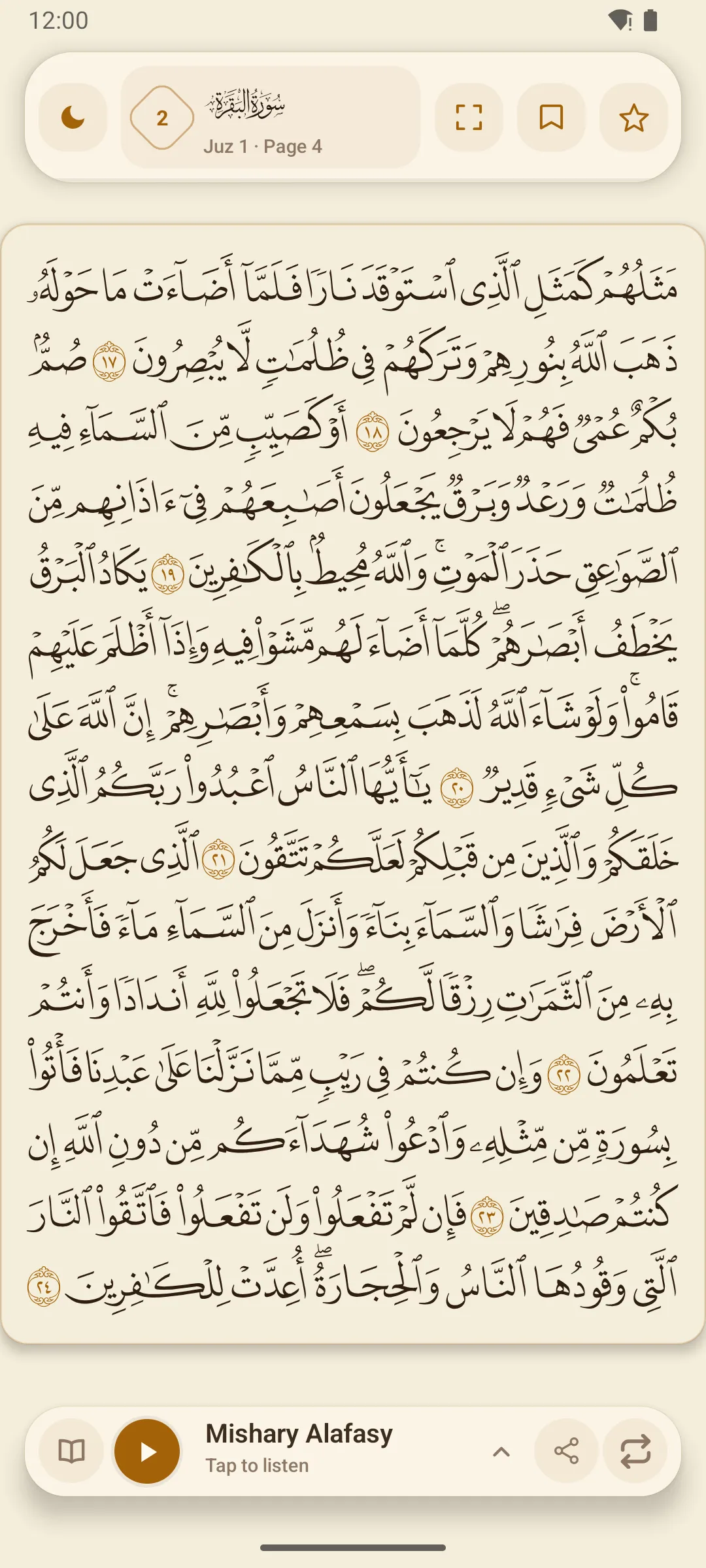
Turn pages right to left, read full screen with nothing in the way, or switch to one ayah per card with its translation. Choose from eleven themes for day and night, and always open where you left off.
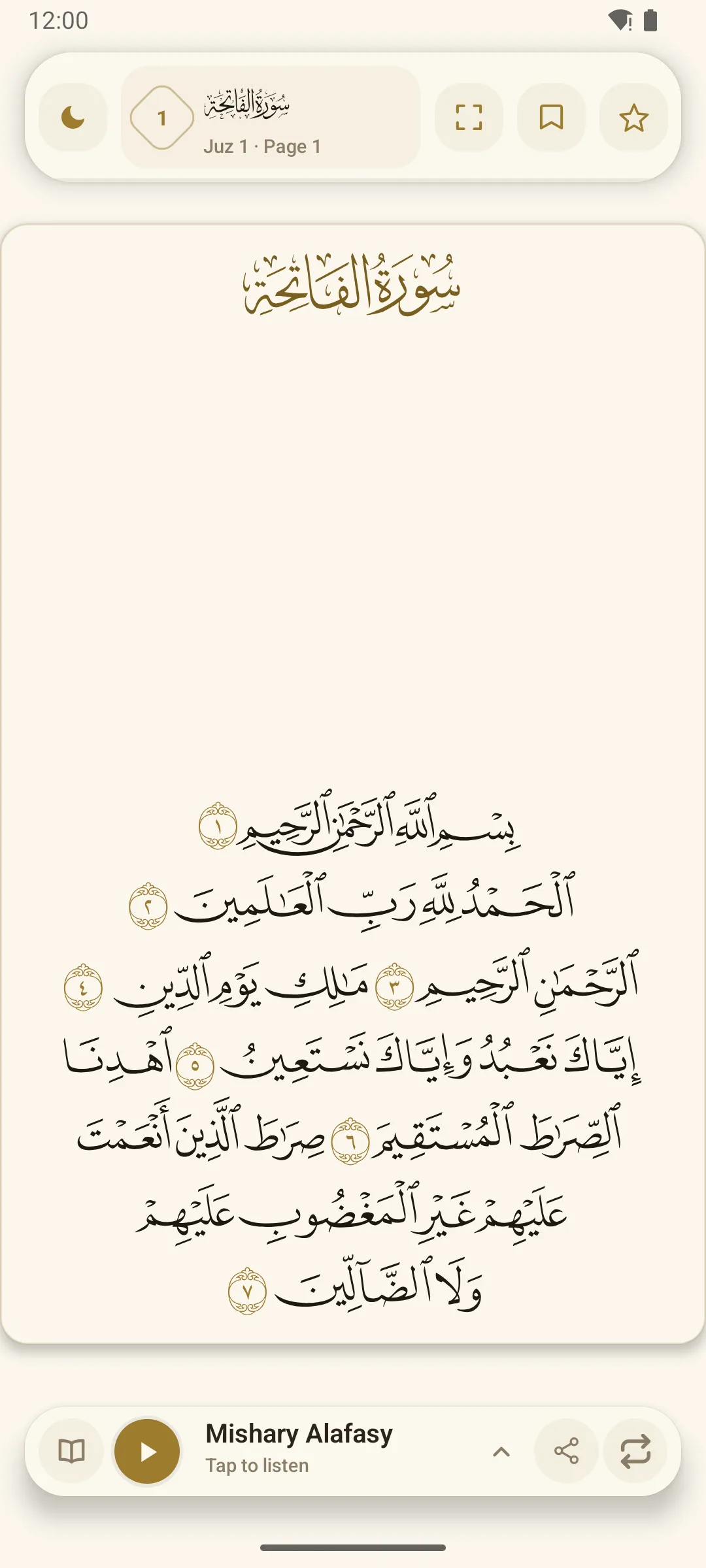
The app remembers your page, so you can carry on in one tap.
Page, full-page, card, immersive or landscape: pick what suits the moment.
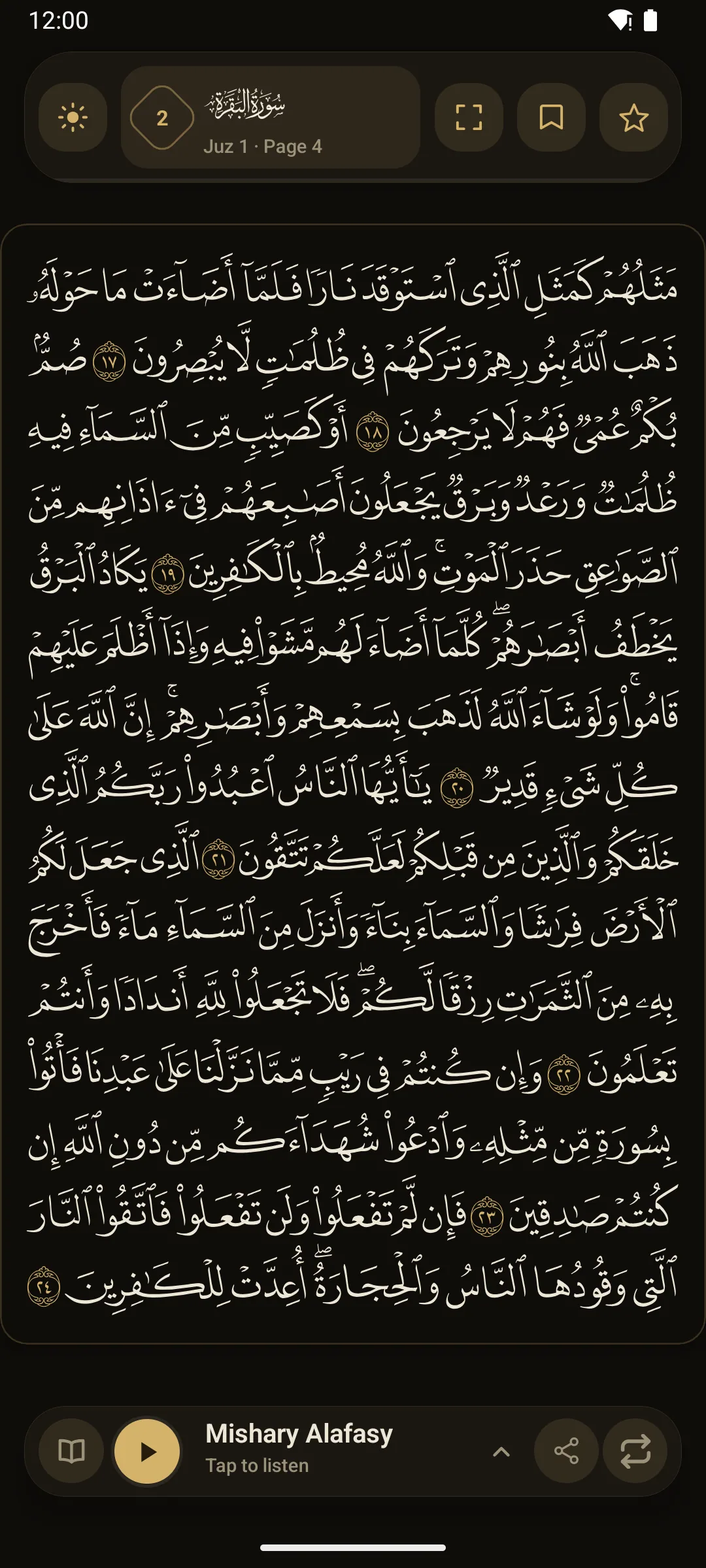
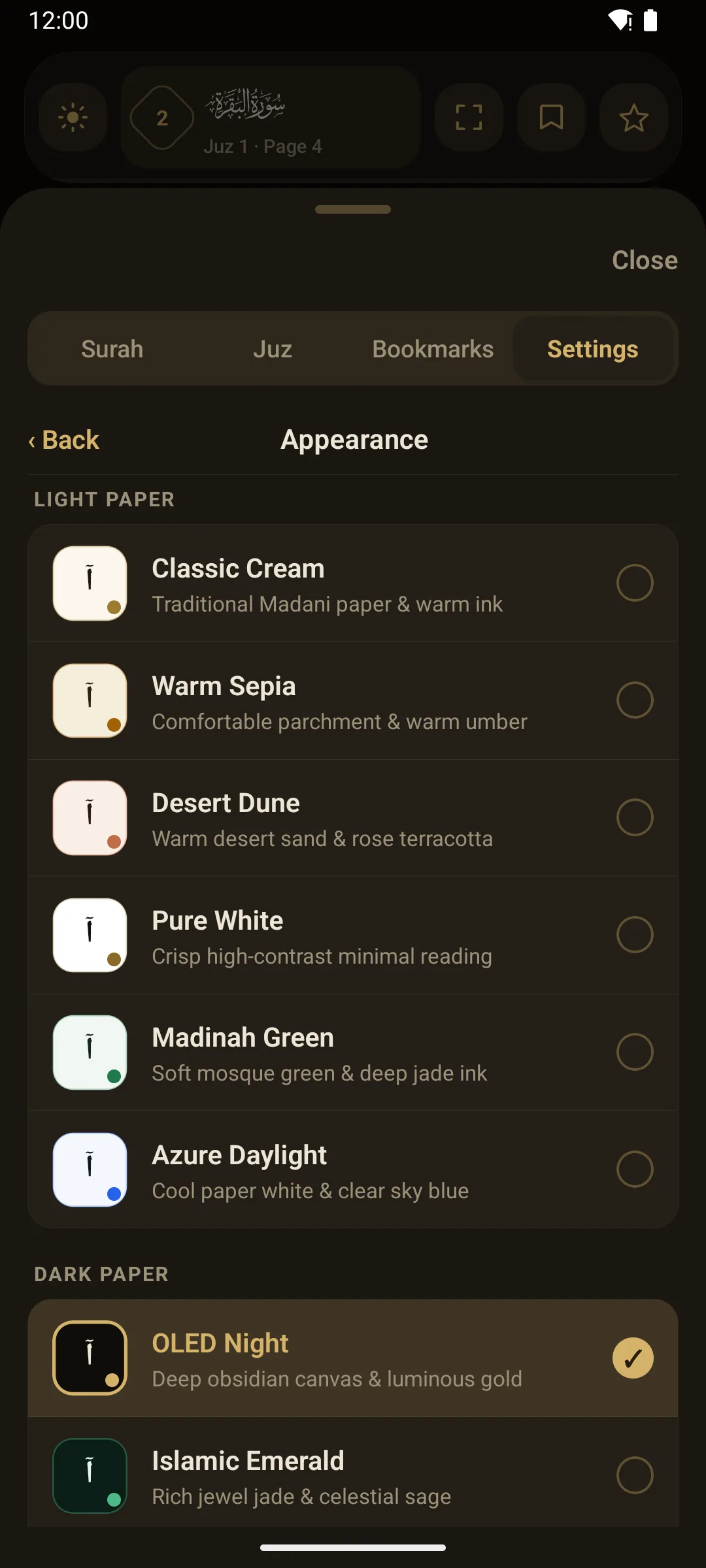
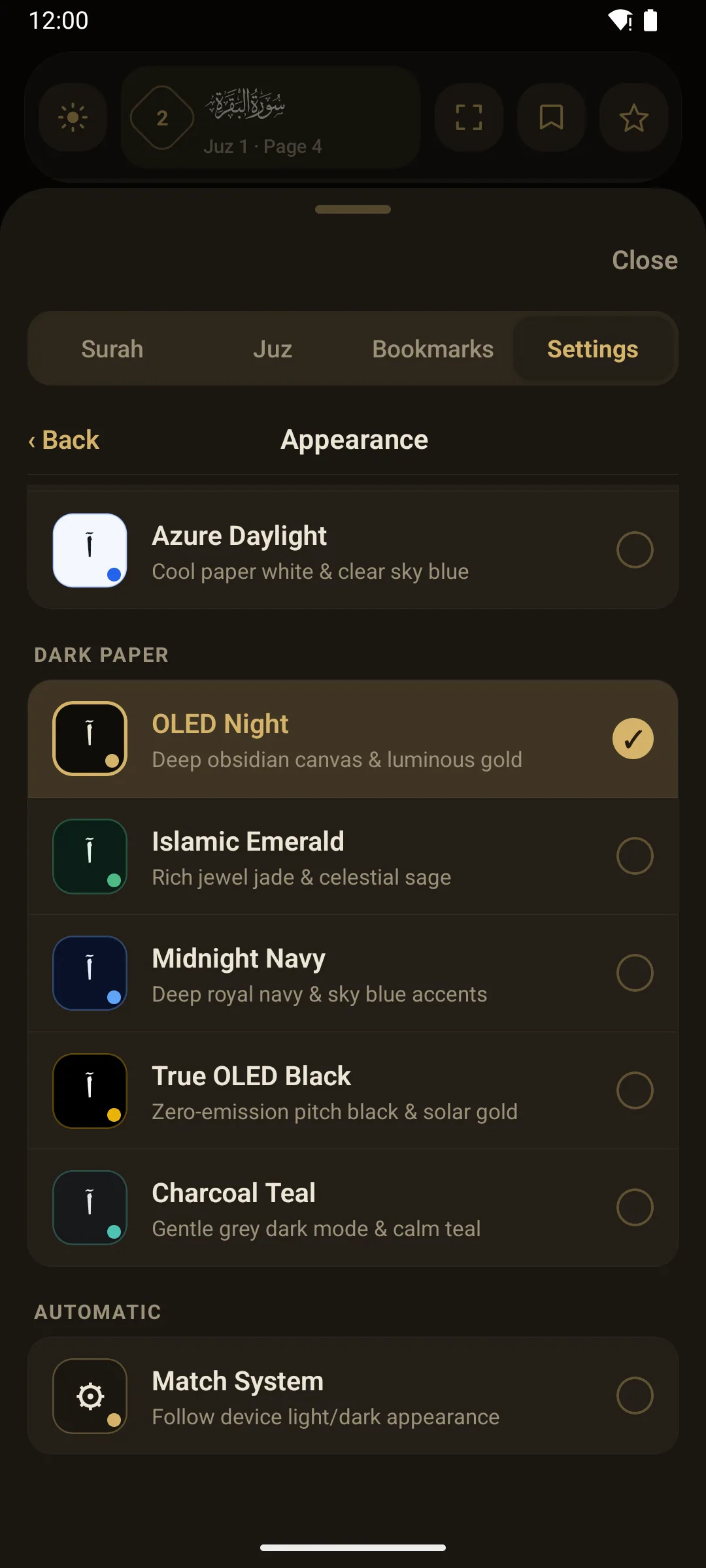
Pick a theme or let the app follow your phone's light and dark setting.
Page mode keeps the Mushaf as printed. Full-page hides the controls. Card mode shows one ayah per card with its translation. Immersive reading gives the whole screen to the page, and three quick taps bring the controls back. Turn the phone for landscape reading.
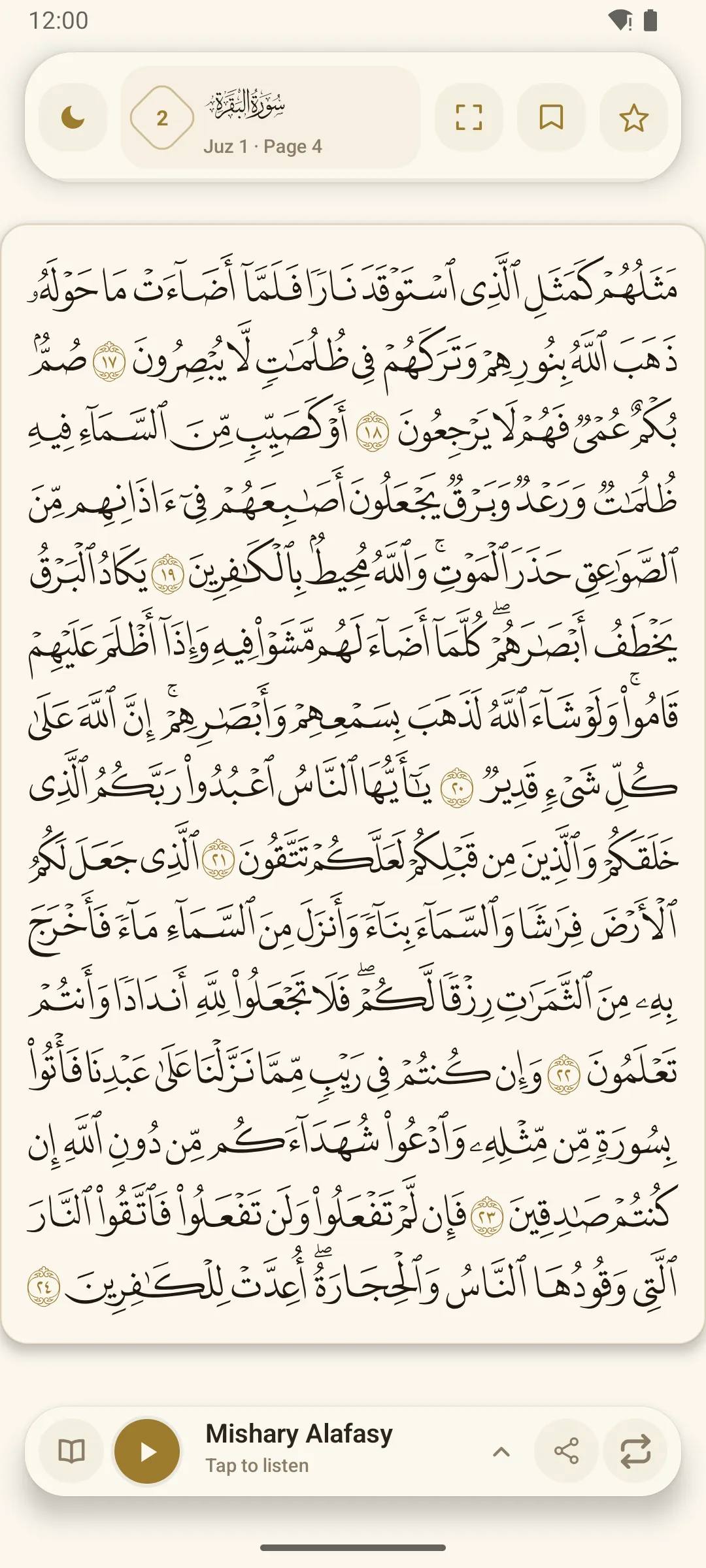
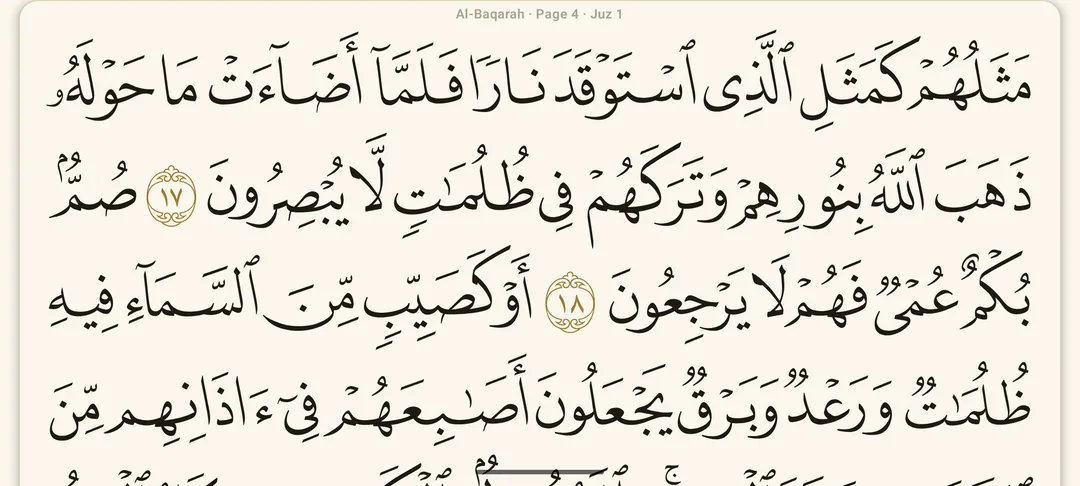
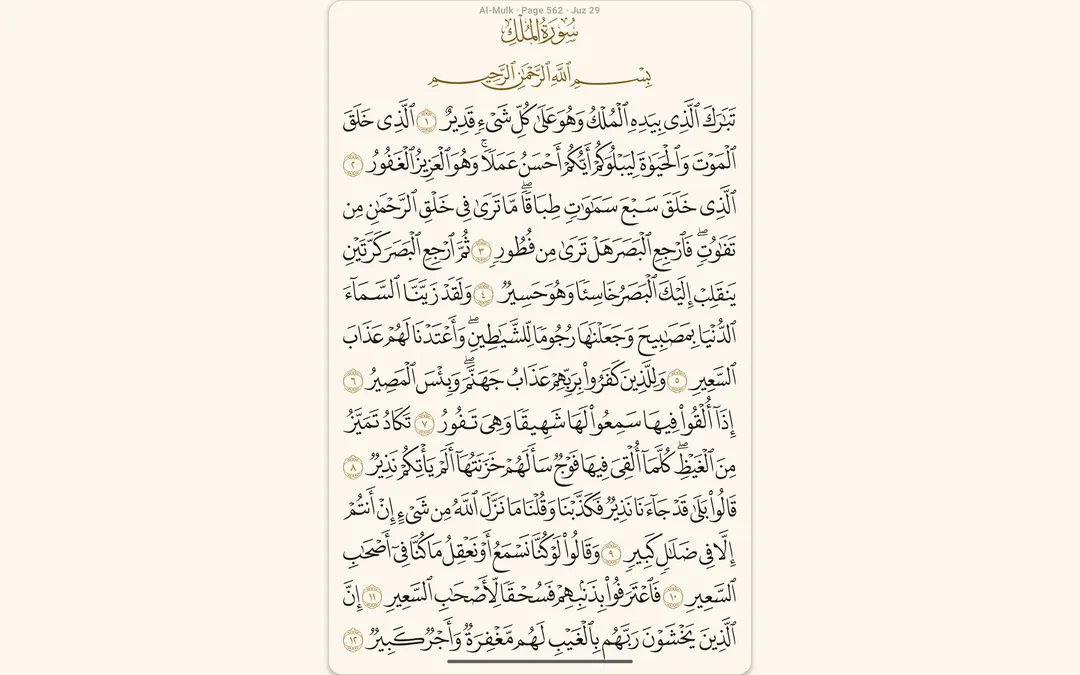
Classic Cream, OLED Night, Warm Sepia, Islamic Emerald, Midnight Navy, Desert Dune, True OLED Black, Pure White, Madinah Green, Azure Daylight and Charcoal Teal, or follow your phone's setting.
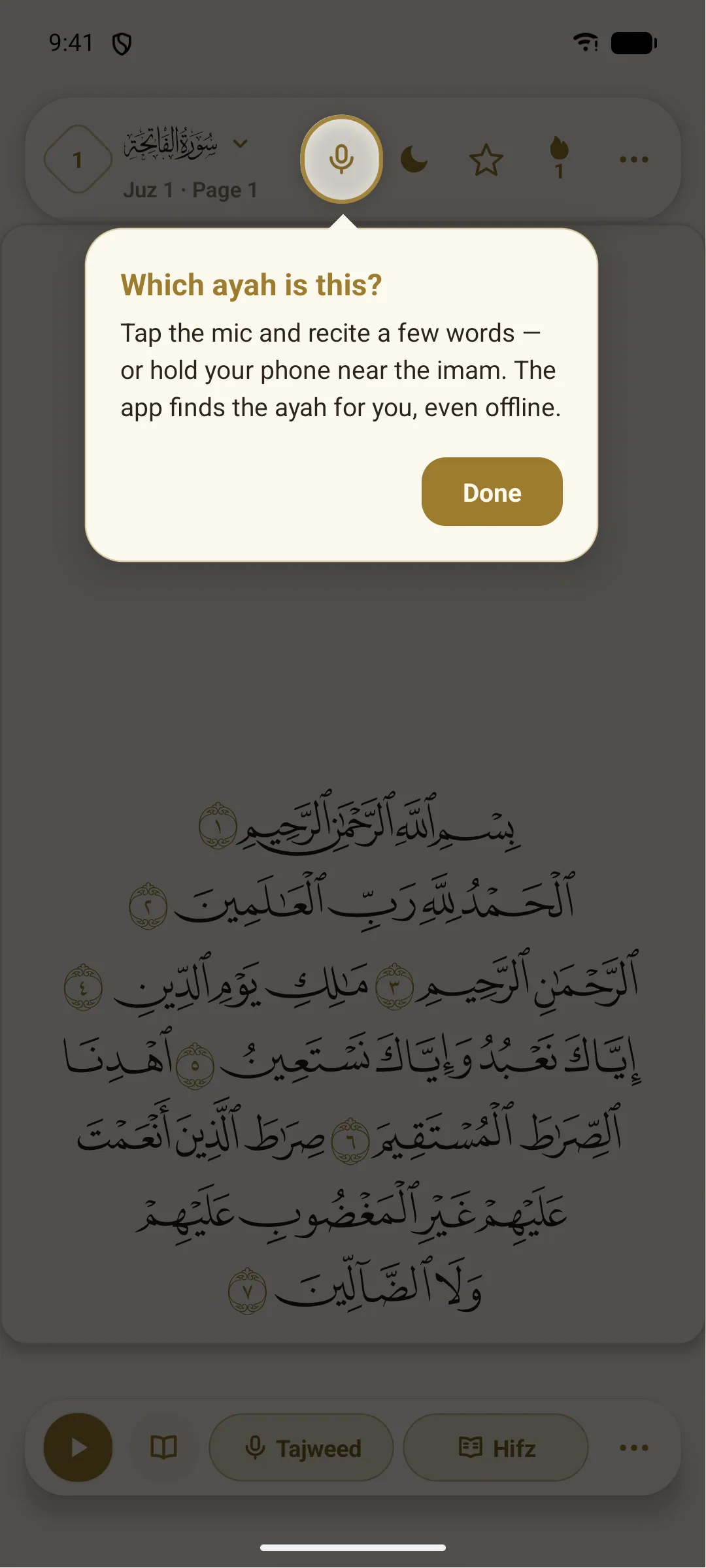
Browse all 114 surahs or the 30 juz, jump straight to any ayah, search the Quran by word or phrase, or use voice search in the top bar.
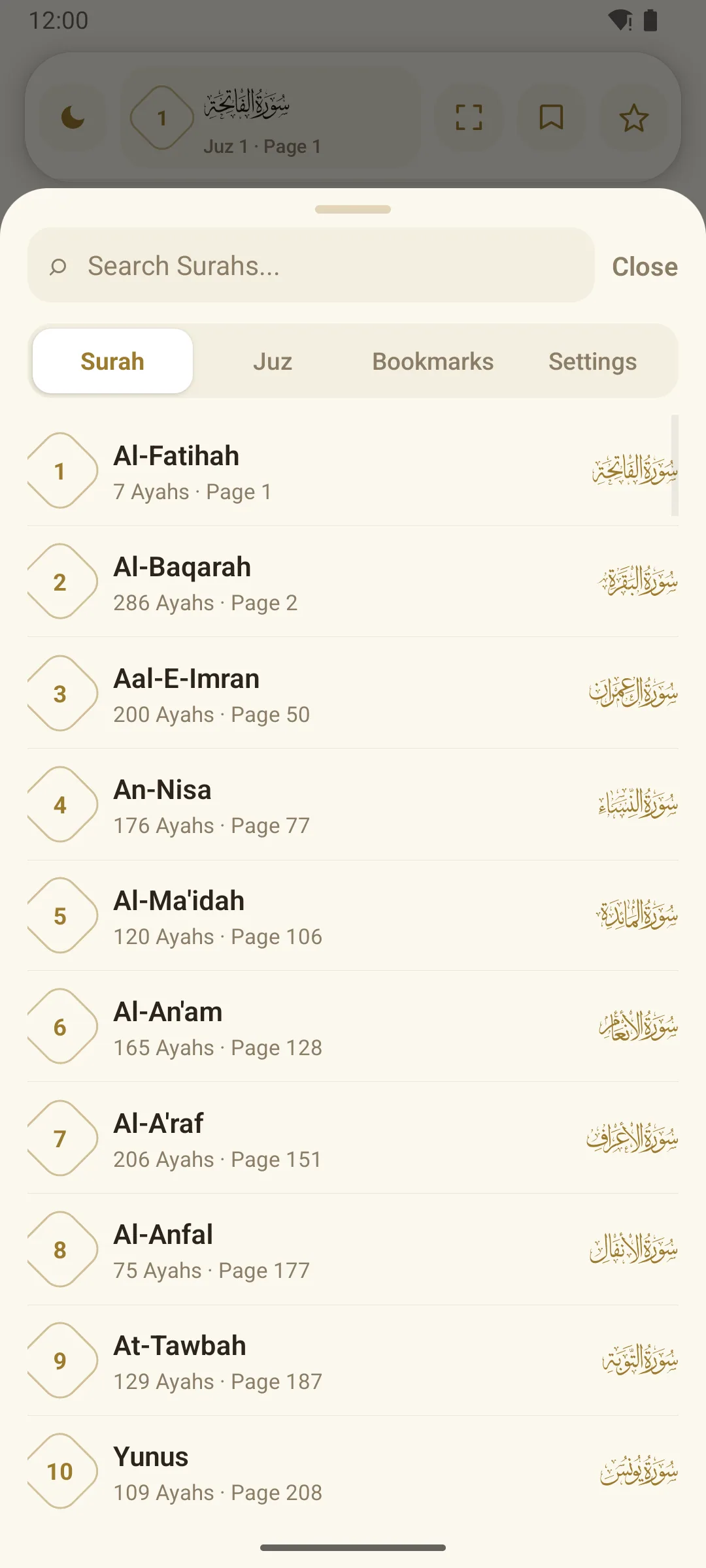
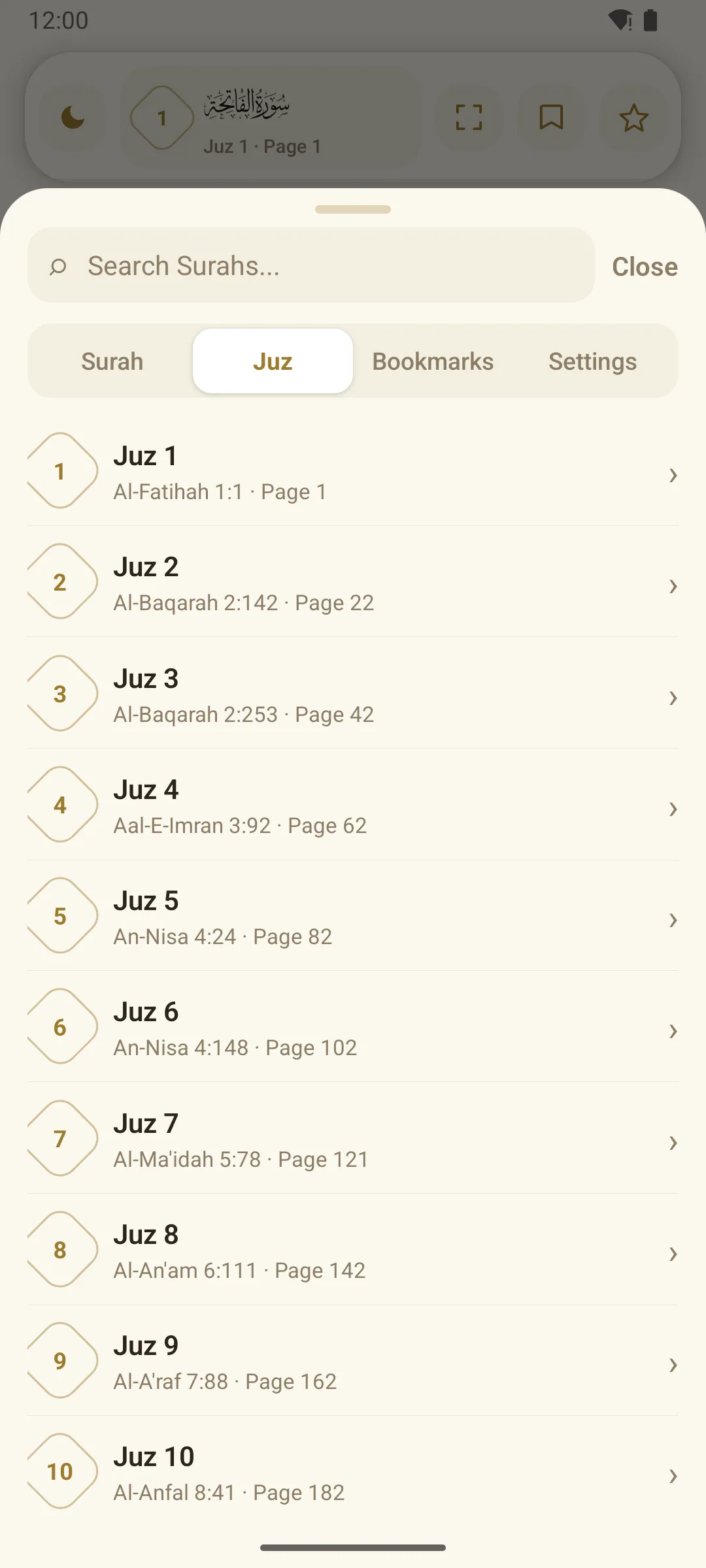
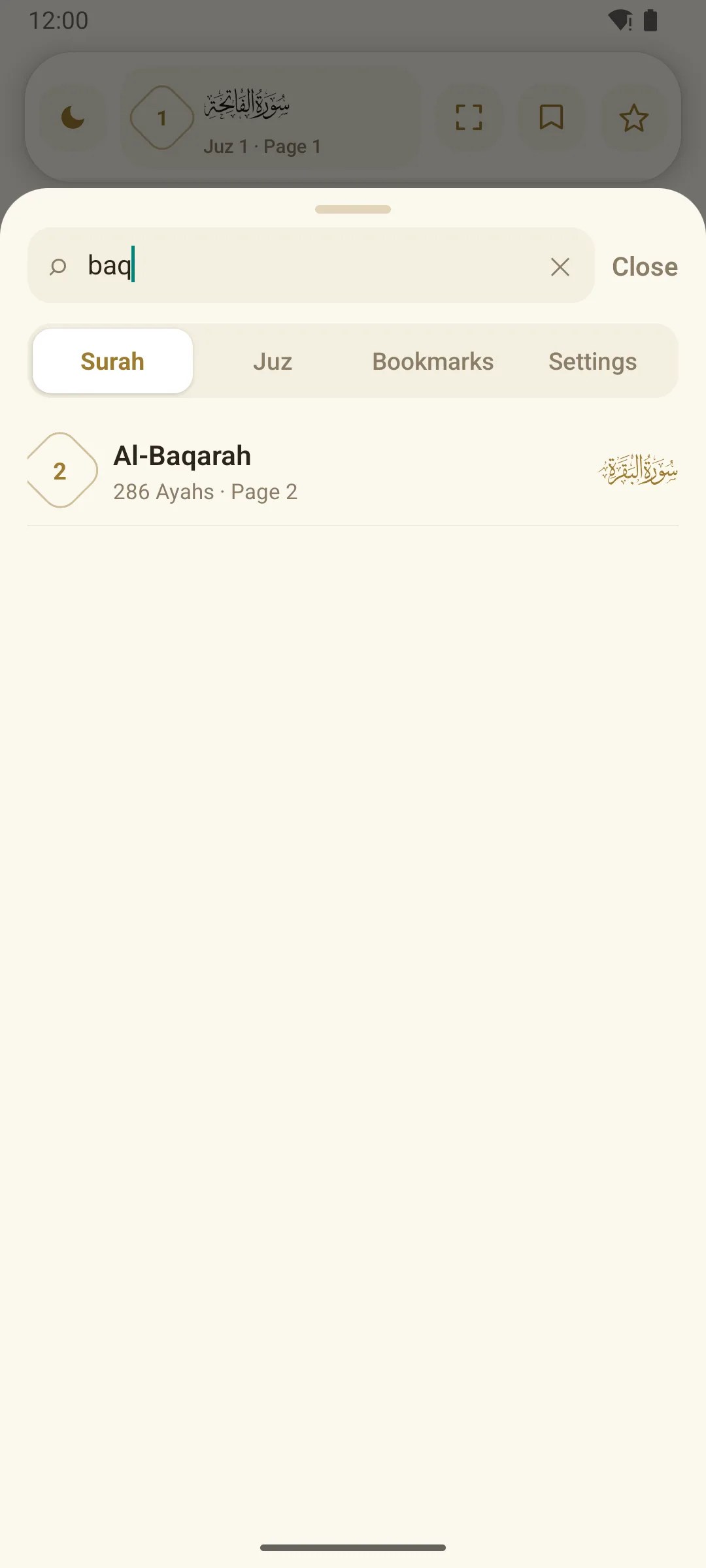
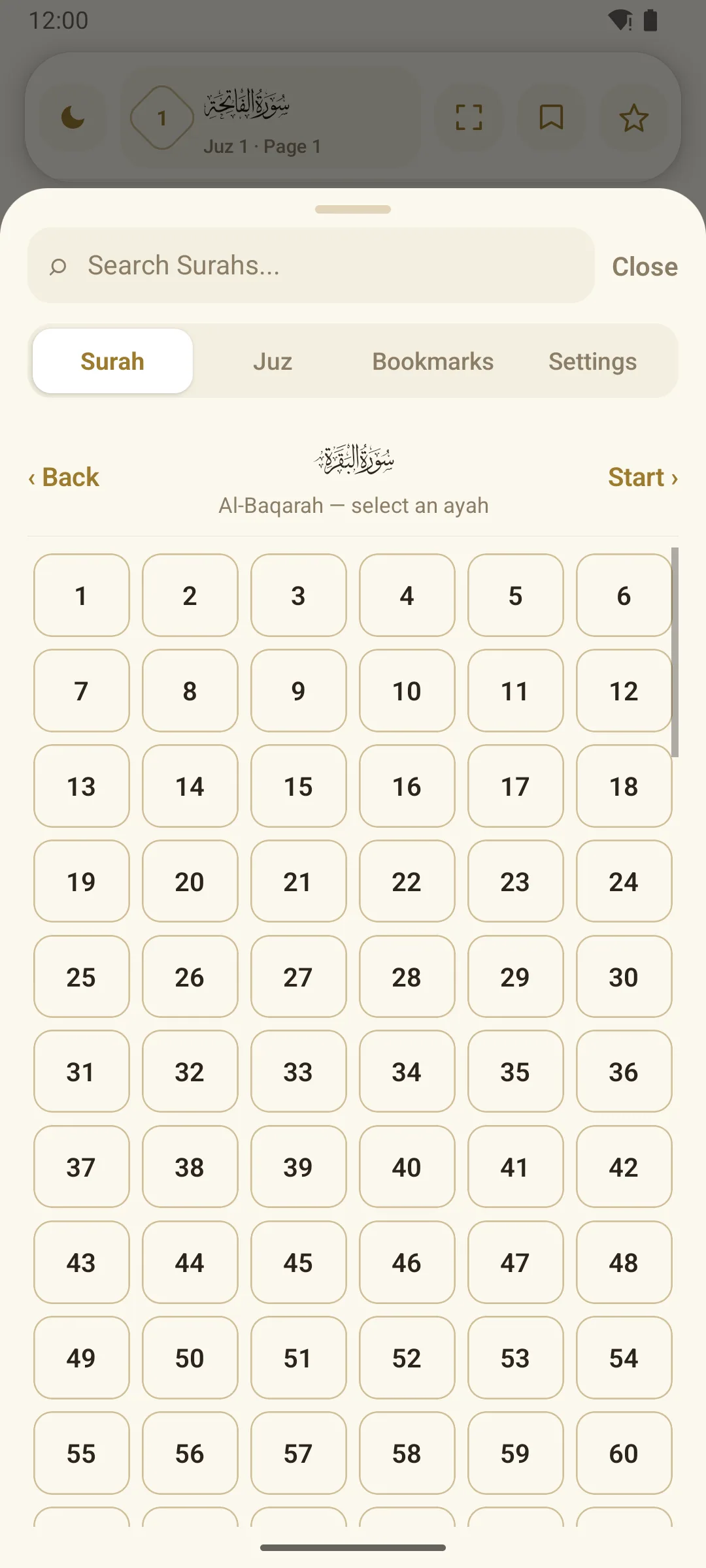
Bookmarks belong to the ayah, so they stay correct even if you change Mushaf. Your reading position is saved automatically.
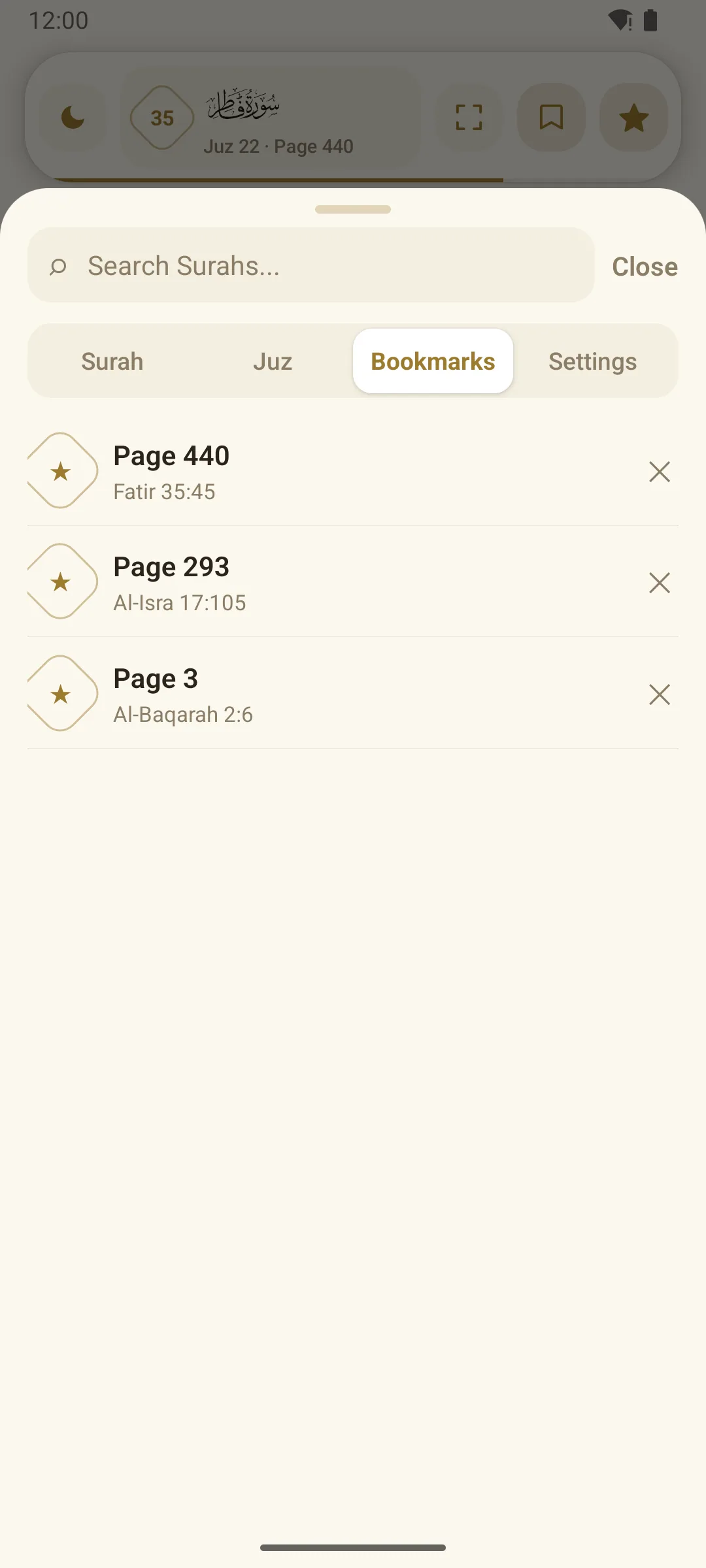
Save ayat to Favourites, Duas, To memorise or your own collections, and add a personal note to each one. Back them up to a file you keep, no account needed.
Decorated surah headings, clear page and juz numbers, and comfortable reading on phones and tablets.
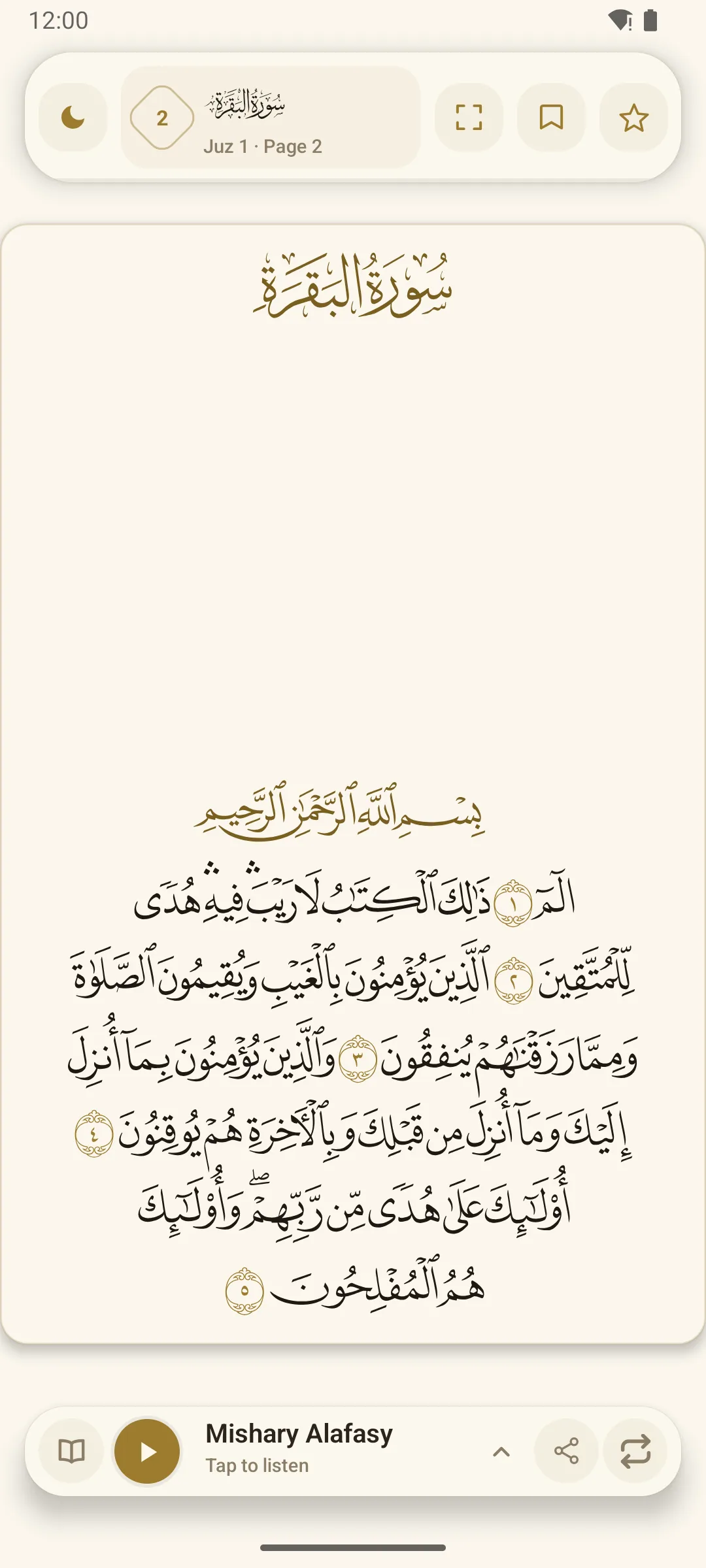
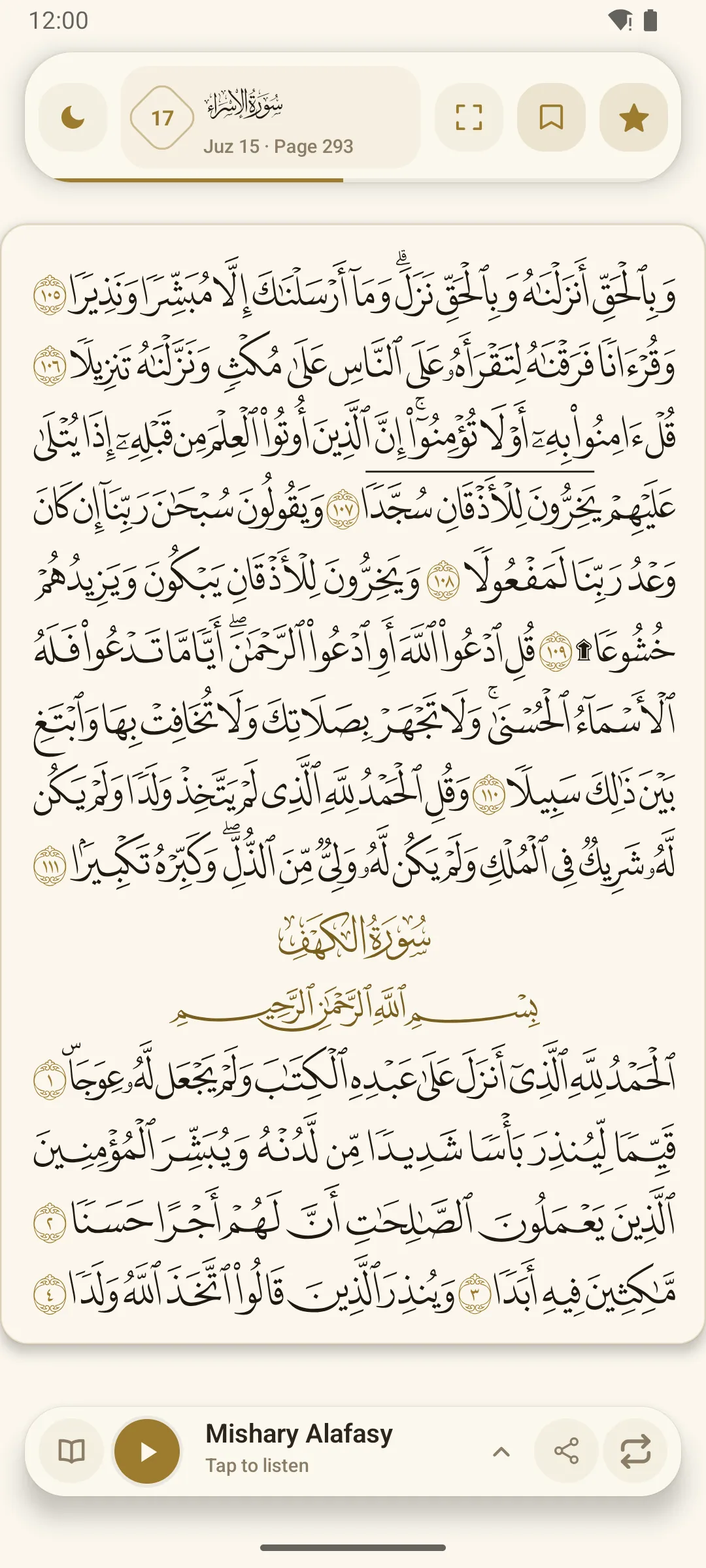
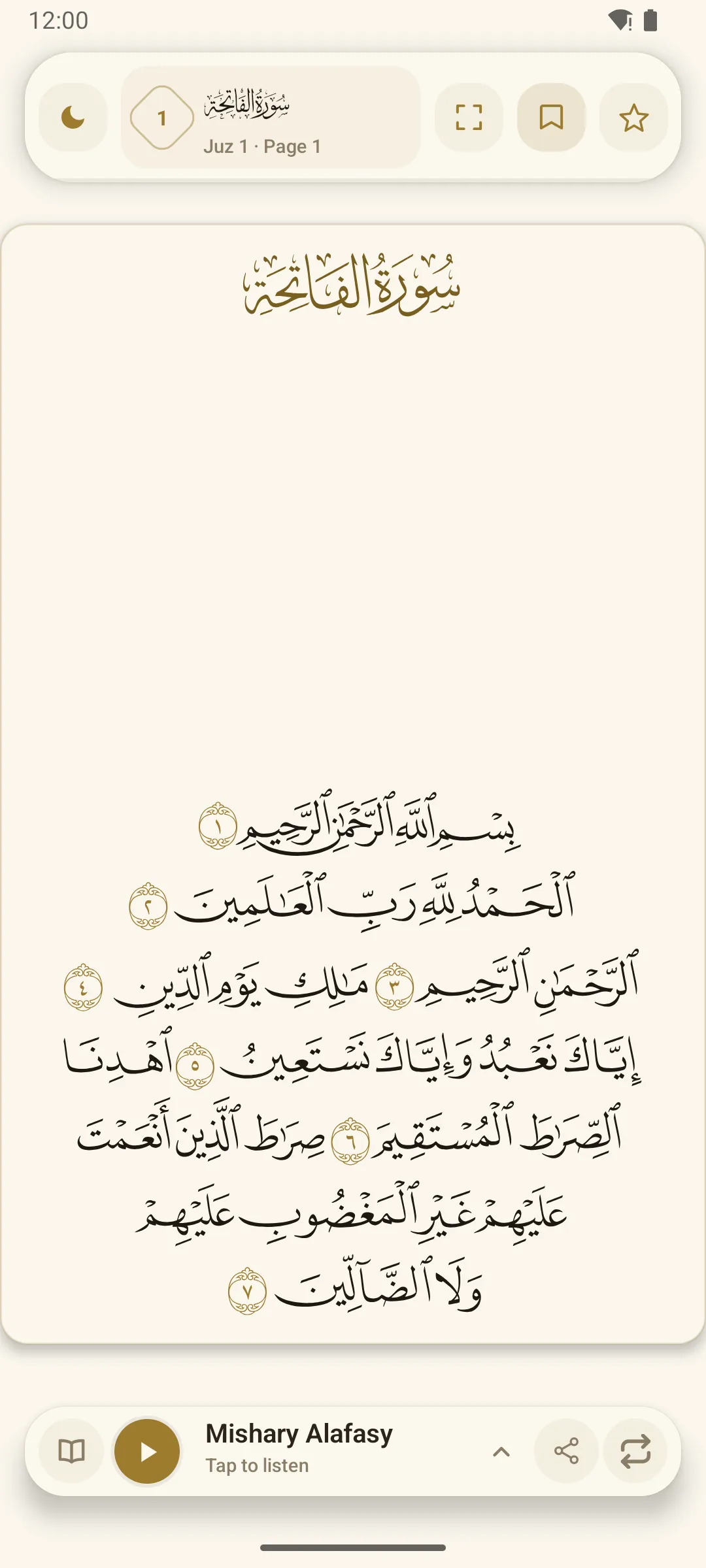
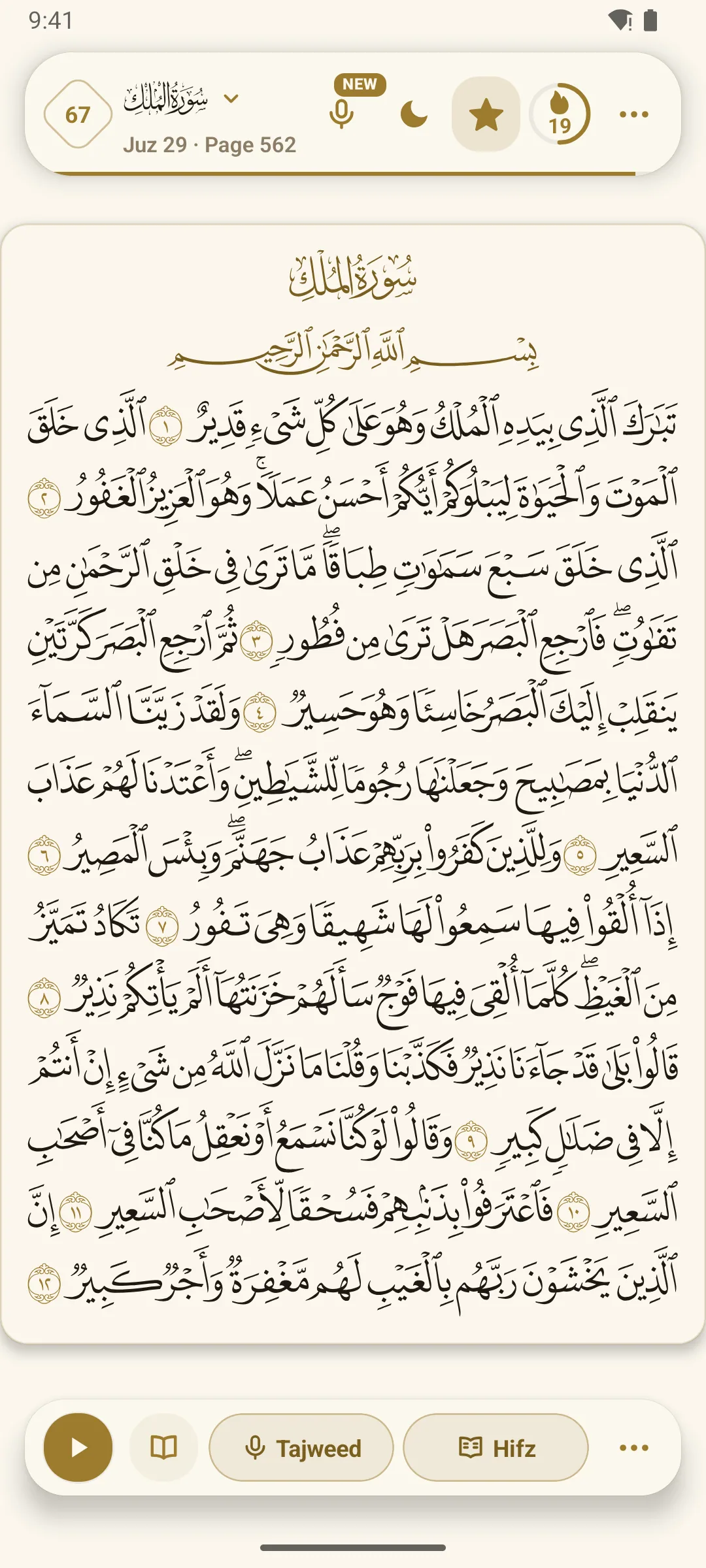
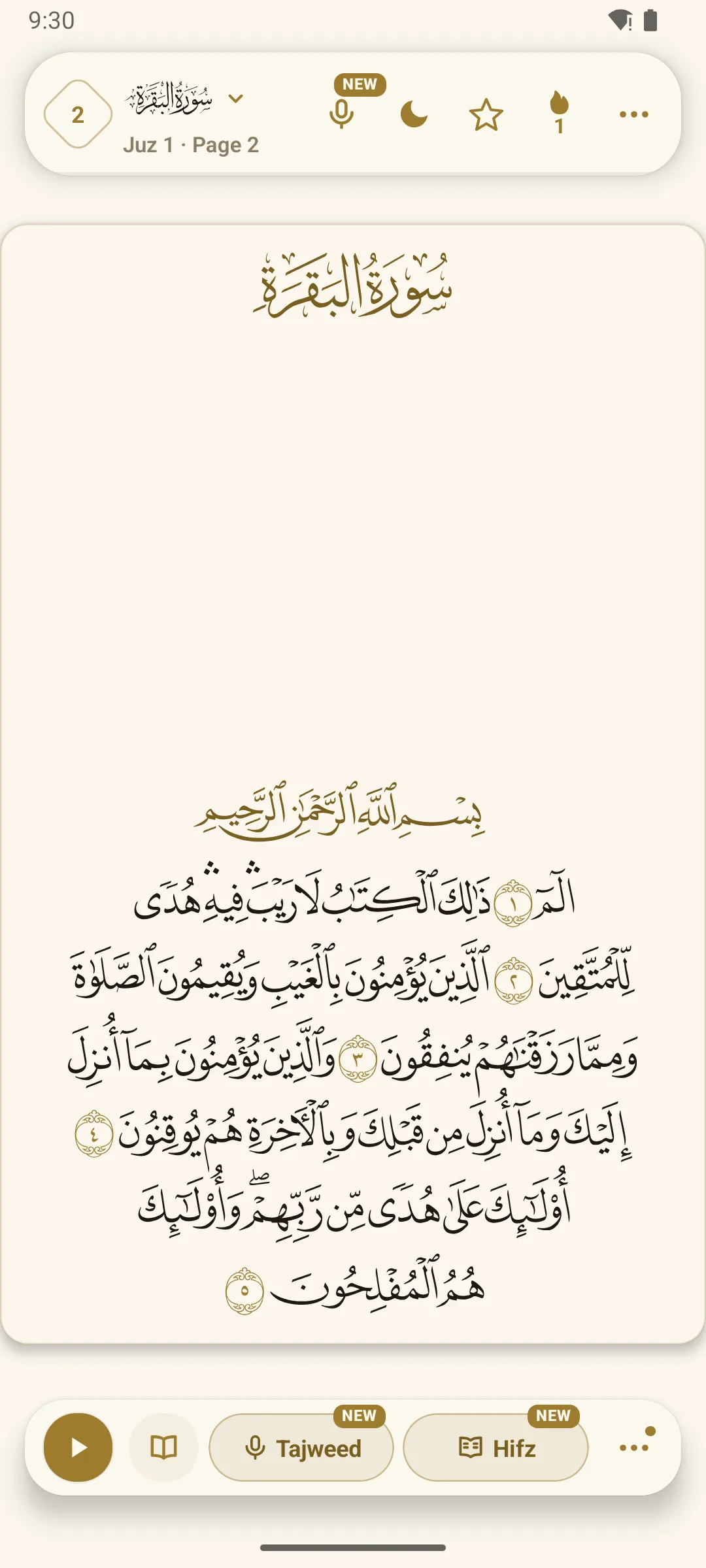
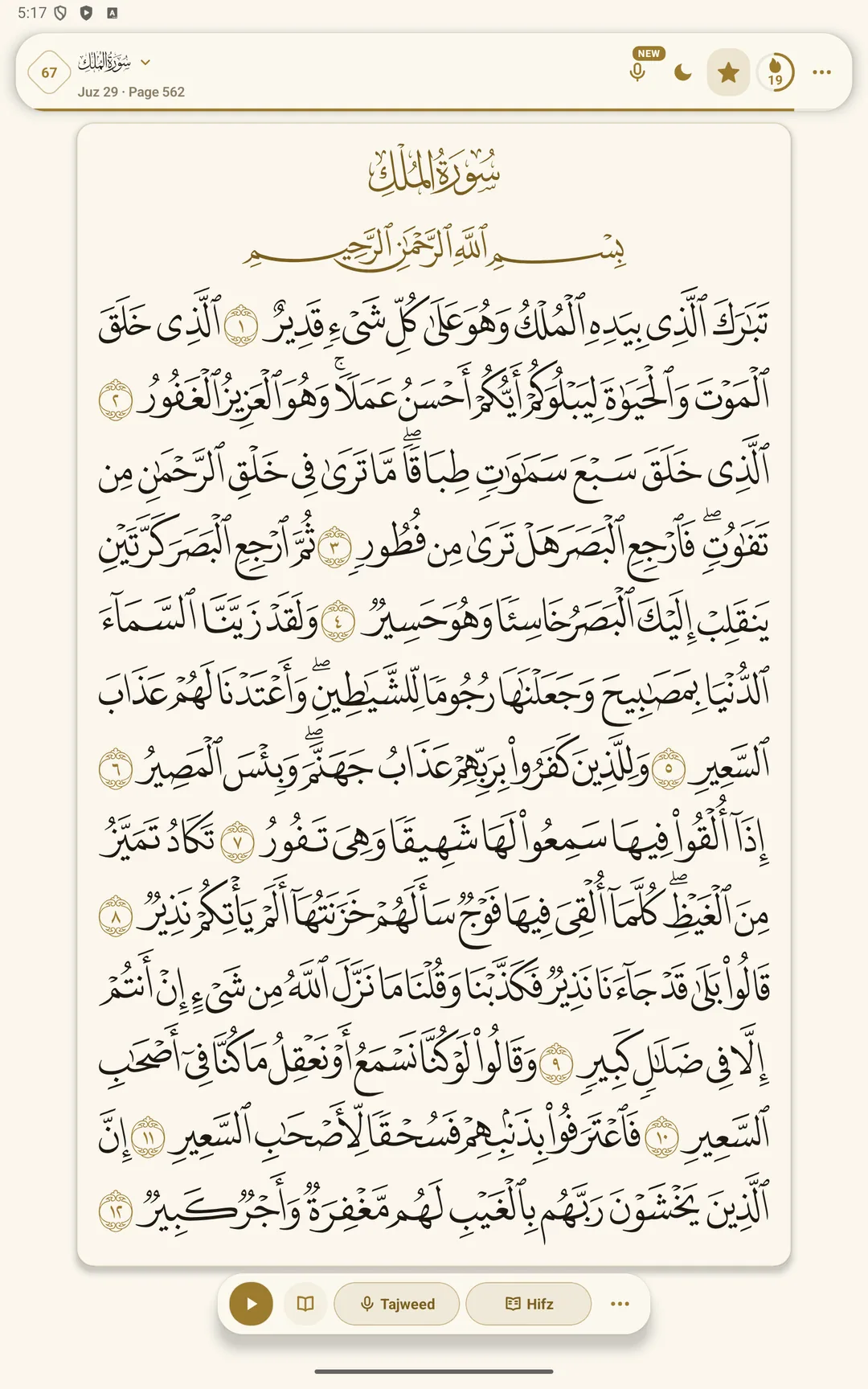
Pages are drawn, not scanned, so they never blur when you zoom or use a large screen.
All pages are inside the app. No downloads before you can start reading.
Yes. OLED Night and True OLED Black are made for reading in the dark, and Midnight Navy and Charcoal Teal are softer dark themes. You can also follow your phone's dark mode.
Yes. Every Mushaf page is stored on the phone.
Yes. Quran Mushaf runs on Android phones and tablets, in portrait or landscape.
Tap the screen three times quickly and the controls come back.
The Quran app that listens back. Read, listen, recite and pray with one free app.