Never lose your place
Tafseer opens over the page, not in a different part of the app.
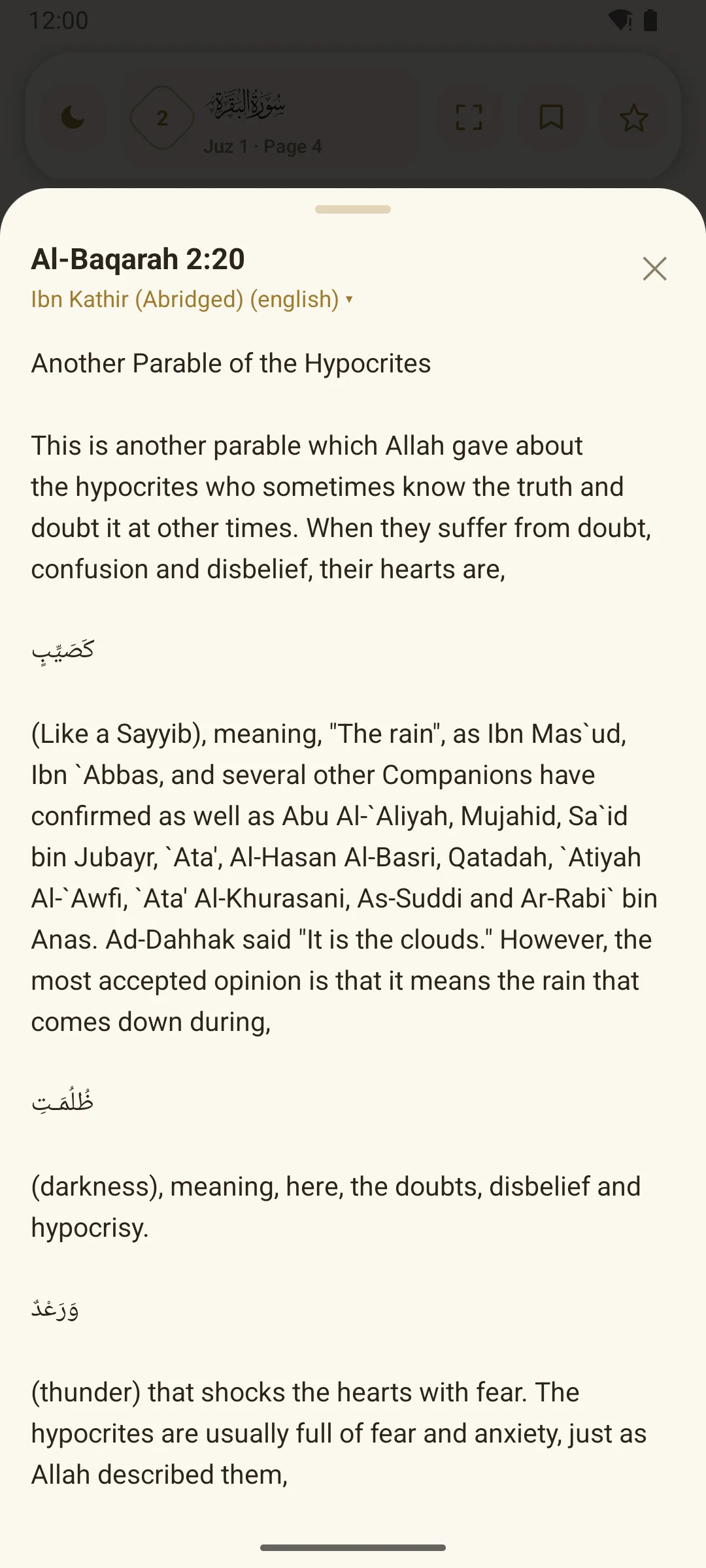
When an ayah stays with you, open its Tafseer from the ayah sheet and read the explanation alongside the translation, without losing your place in the Mushaf.
Open the ayah sheet with its translation and word-by-word strip.
Read the explanation of the ayah in the same sheet.
Close the sheet and carry on reading exactly where you were.
Understanding grows in layers: the meaning of each word, the translation of the ayah, and then the scholars' explanation. The ayah sheet keeps all three together.
Save the ayah to a collection and add a note in your own words, so your reflections are there when you return.
Tafseer opens over the page, not in a different part of the app.
Yes, Tafseer is loaded the first time you open it for an ayah.
Yes. Save it to a collection and add a personal note.
The Quran app that listens back. Read, listen, recite and pray with one free app.