No upload
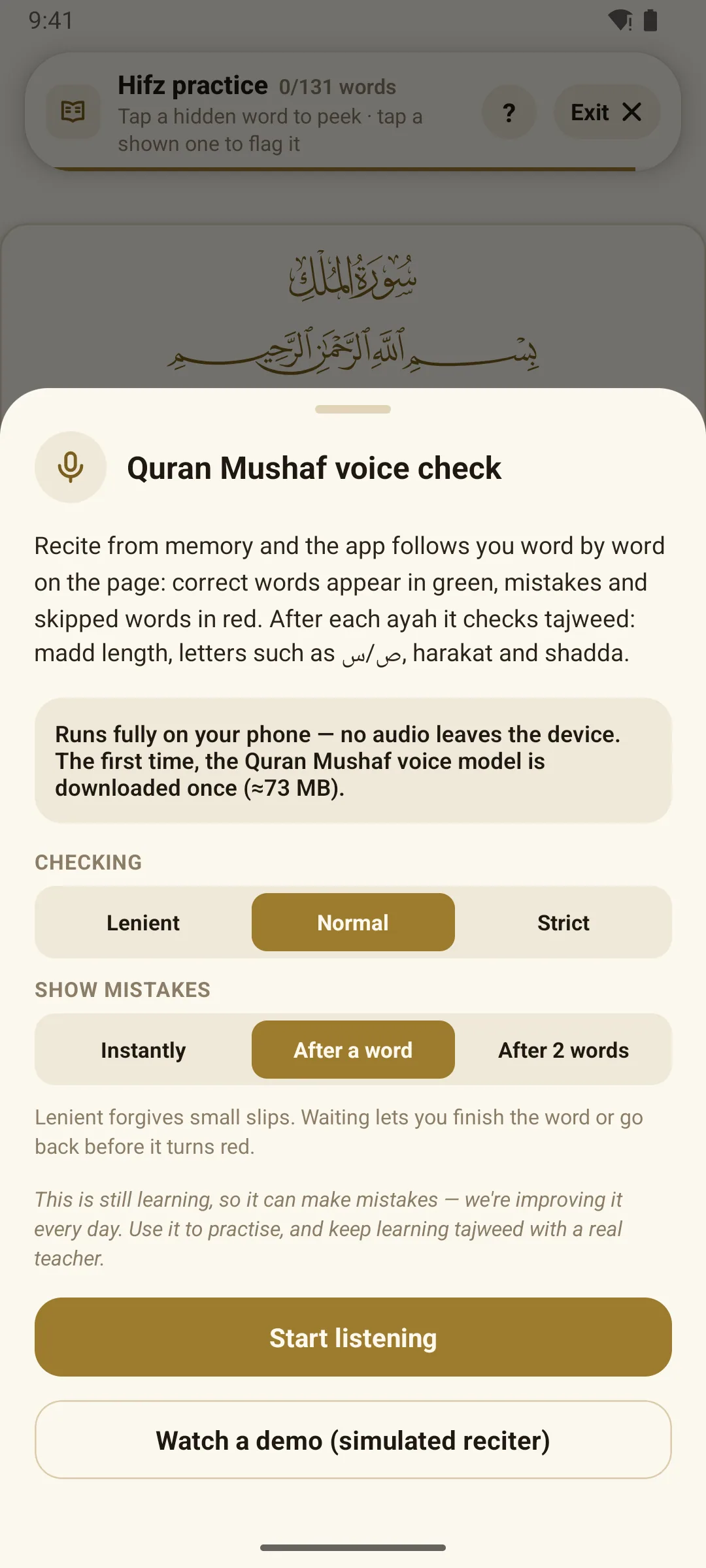
Audio is matched on the phone and never sent anywhere.
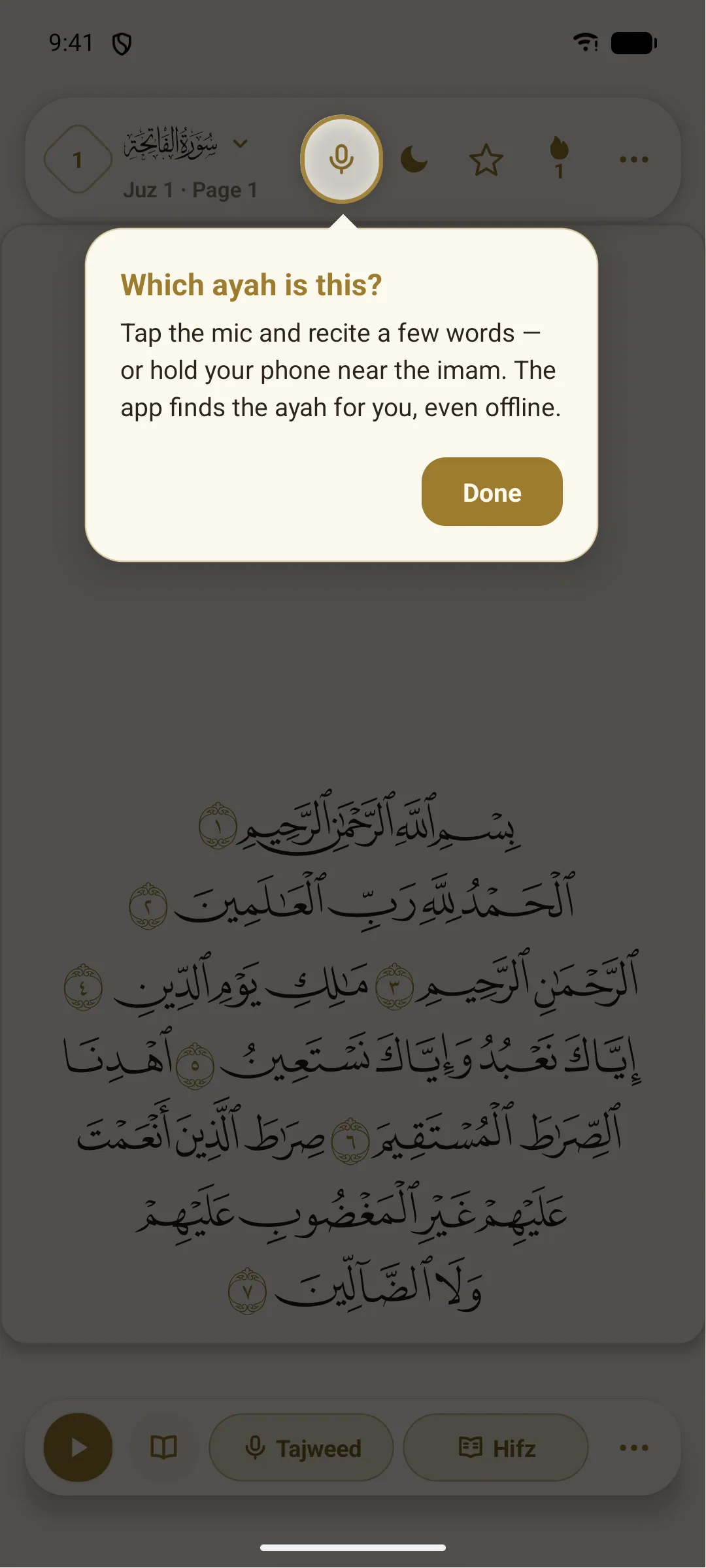
Recite a few words you remember, or hold your phone near the imam, and Quran Mushaf finds the ayah and opens it on the Mushaf page. It works without internet.
Tap the microphone in the top bar and choose Which ayah is this?
Recite a few words yourself, or hold the phone near the recitation you are hearing.
The app shows the matching surah and ayah. Open it on the Mushaf page, with translation and Tafseer one tap away.
When an imam recites a passage that moves you, you no longer need to remember the words for later. Find it in the moment and bookmark it.
Recognition happens on the phone with the same engine as the tajweed check, so it works in the masjid even with no signal.
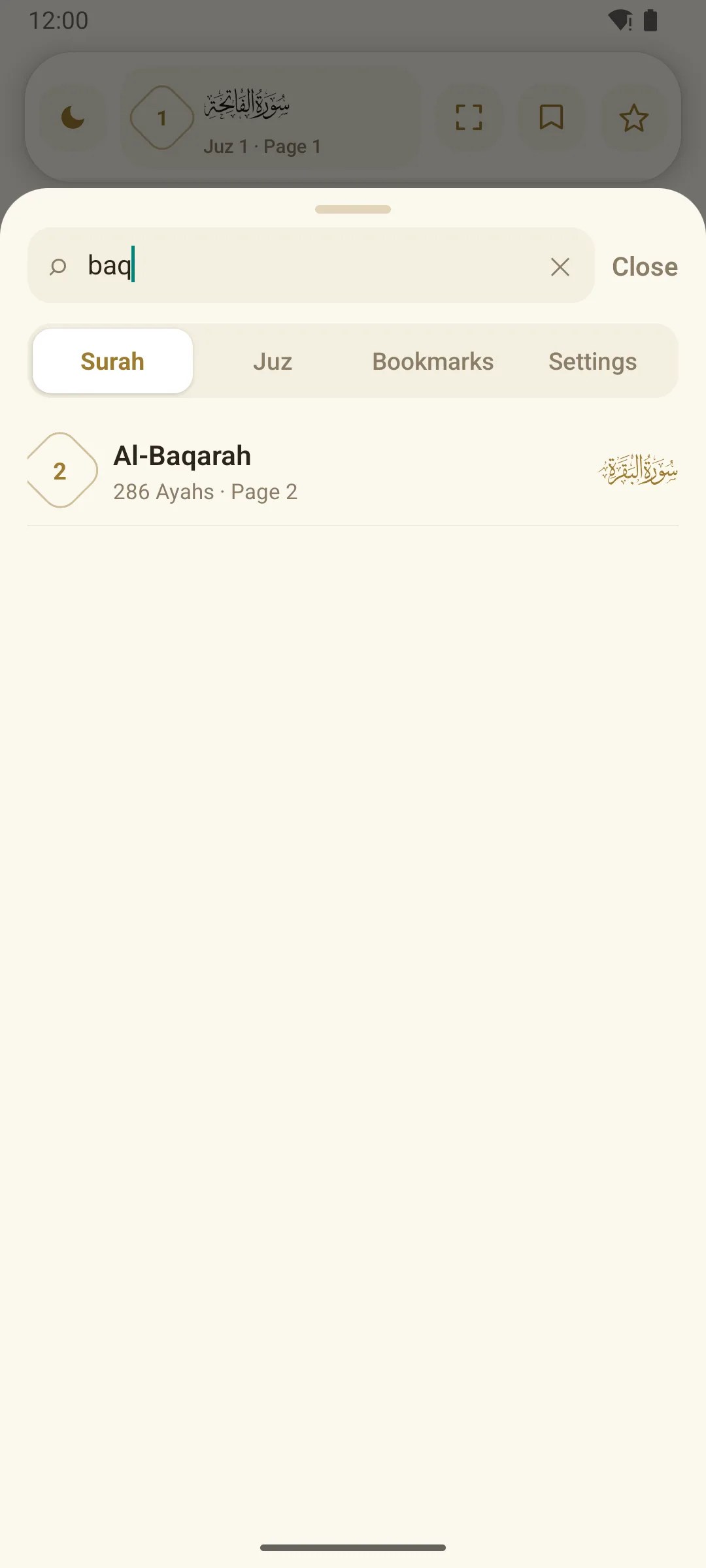
Prefer typing? Search the Quran by word or phrase, or use voice search in the top bar.
See navigation and searchAudio is matched on the phone and never sent anywhere.
The result opens on the Mushaf page, not a plain text list.
Yes. Hold your phone near the recitation and the app tries to match it. Clear audio works best; in a noisy room, reciting a few words yourself is more reliable.
No. After the one-time download of the recitation model it works offline.
A few distinctive words are usually enough. If several ayat match, recite a little more.
The Quran app that listens back. Read, listen, recite and pray with one free app.