Many Quran apps are free to download. Fewer are free of advertising, subscriptions and data collection. When the Quran is open in front of you, what is around it matters.
Look for no ads at all
Advertising beside the Mushaf is distracting at best. Some apps show ads unless you subscribe. A good test is to open a few pages, start a recitation and open a translation, and see whether anything appears that is not the Quran.
Check what is locked
Free downloads often lock reciters, translations, memorisation tools or offline use behind a subscription. Read the store listing for words like premium, pro or unlock, and check the in-app purchases section.
Ask what data it collects
Read the Data safety section on Google Play. An app does not need your contacts, precise location or an advertising ID to show you the Quran. Prayer times need only an approximate location, and a voice feature can run on the phone without uploading recordings.
- Is an account required?
- Is the advertising ID used?
- Is voice processed on the device?
- Can analytics be switched off?
Check the sources
A trustworthy app tells you where its Quran text, translations, Tafseer and recitations come from, and credits them.
Where Quran Mushaf stands
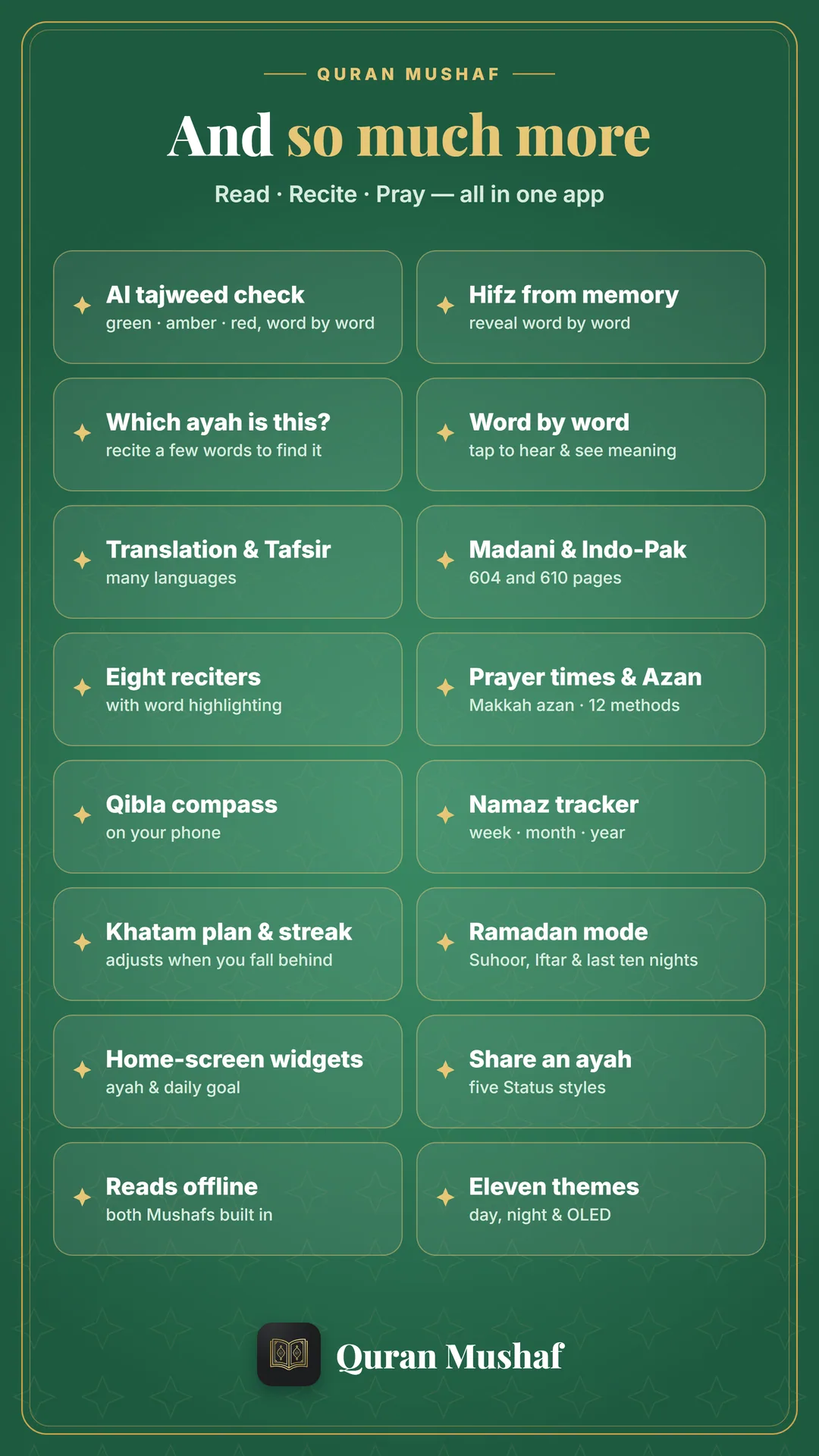
Quran Mushaf has no ads, no subscription, no in-app purchases and no account. The tajweed check runs on the phone, location is approximate and stays on the device, the advertising ID is switched off, and every source is listed on the credits page.